Filtering Before Exporting in CRED
Last updated: August 15, 2025
Go to "Lists"
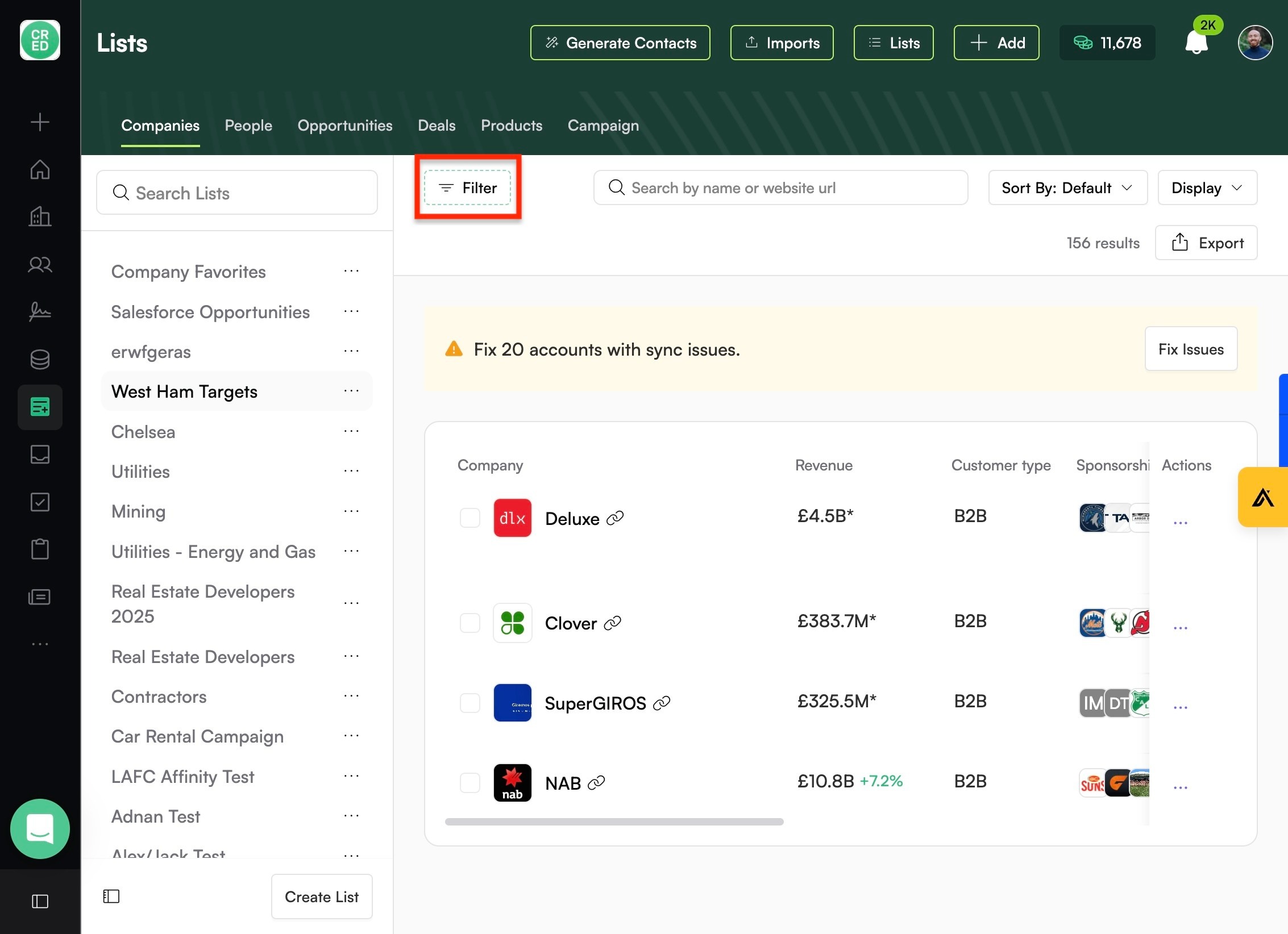
Click "Filter"
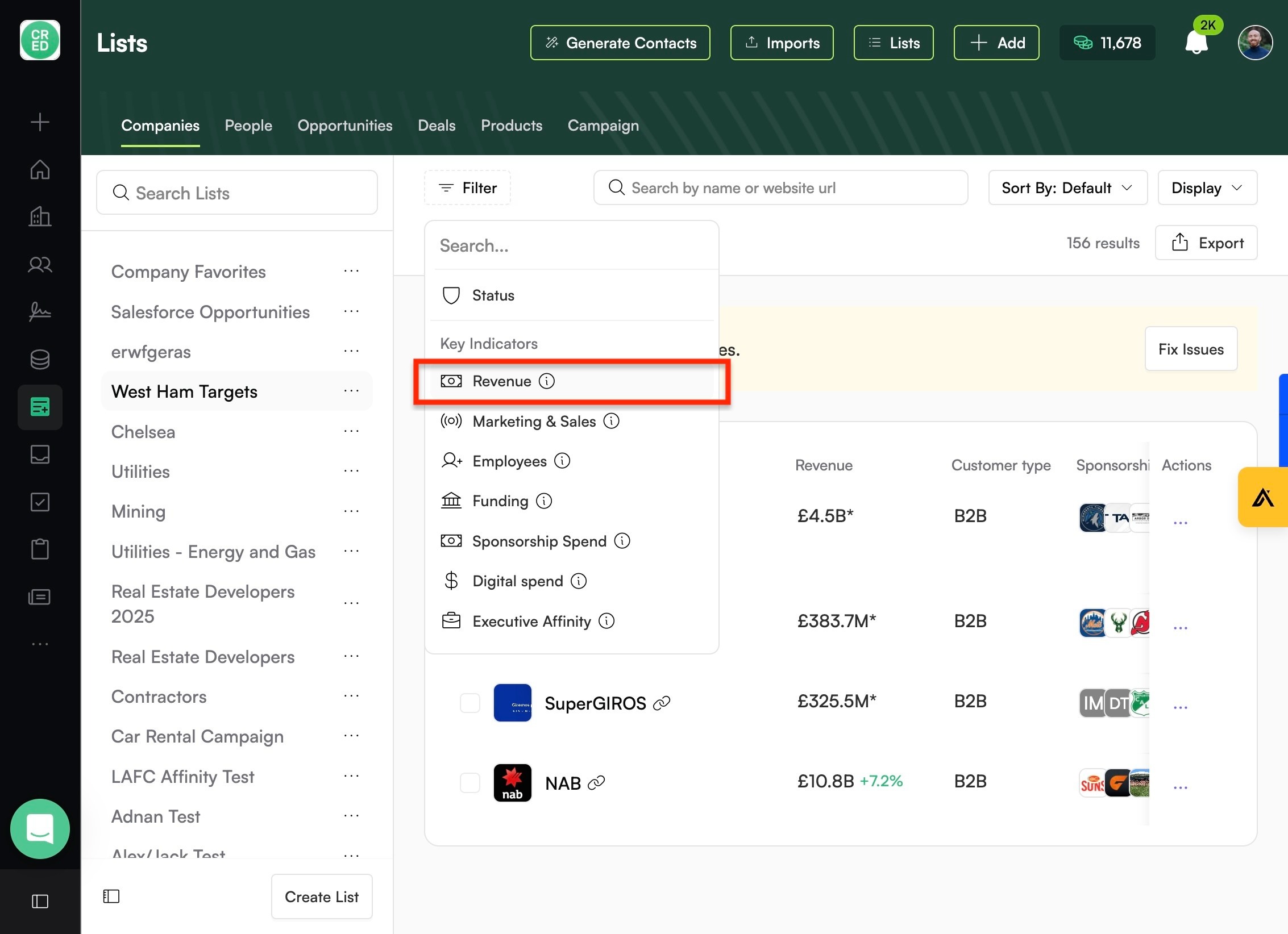
Add whatever filters you want to sort the data by.
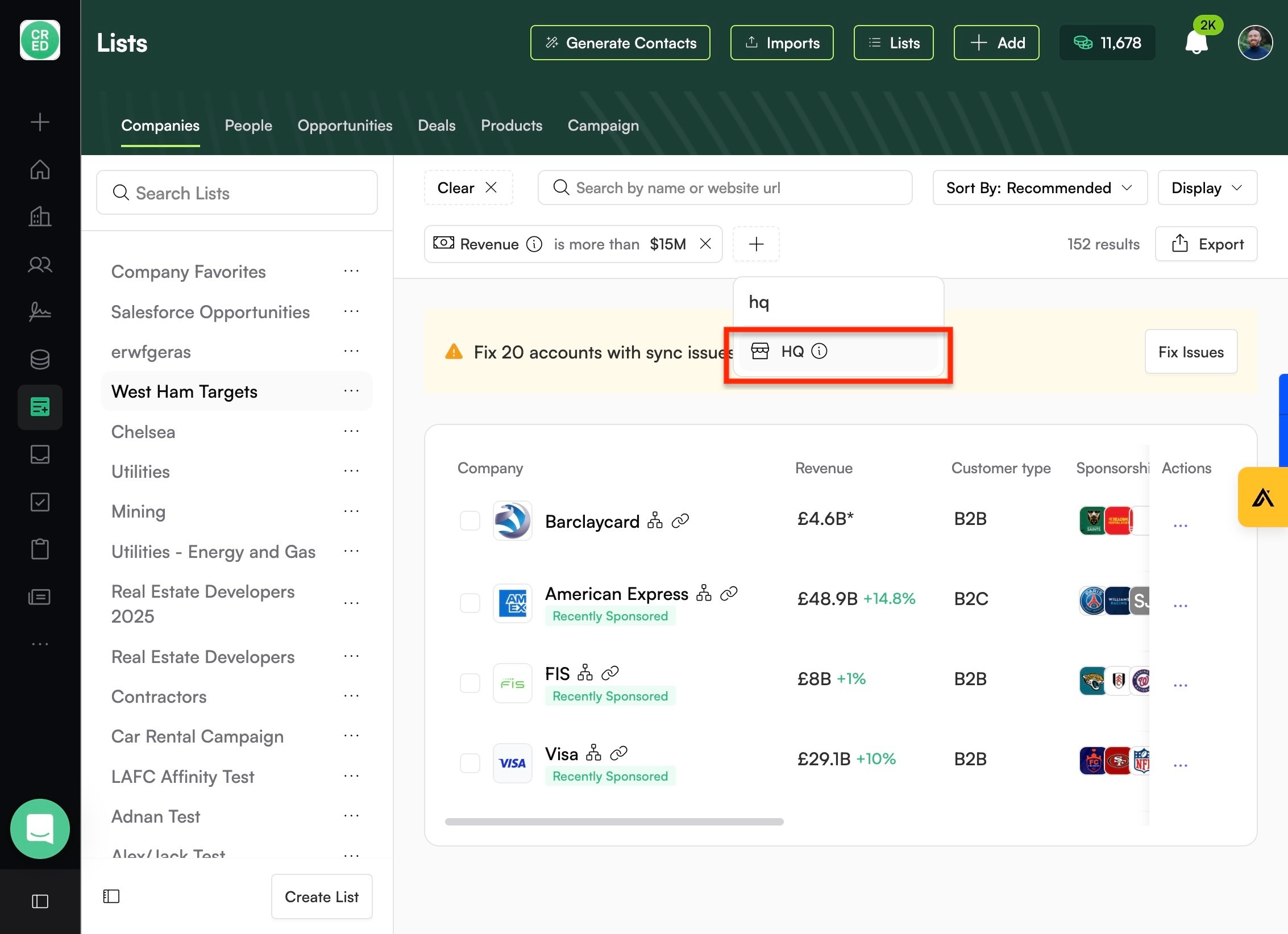
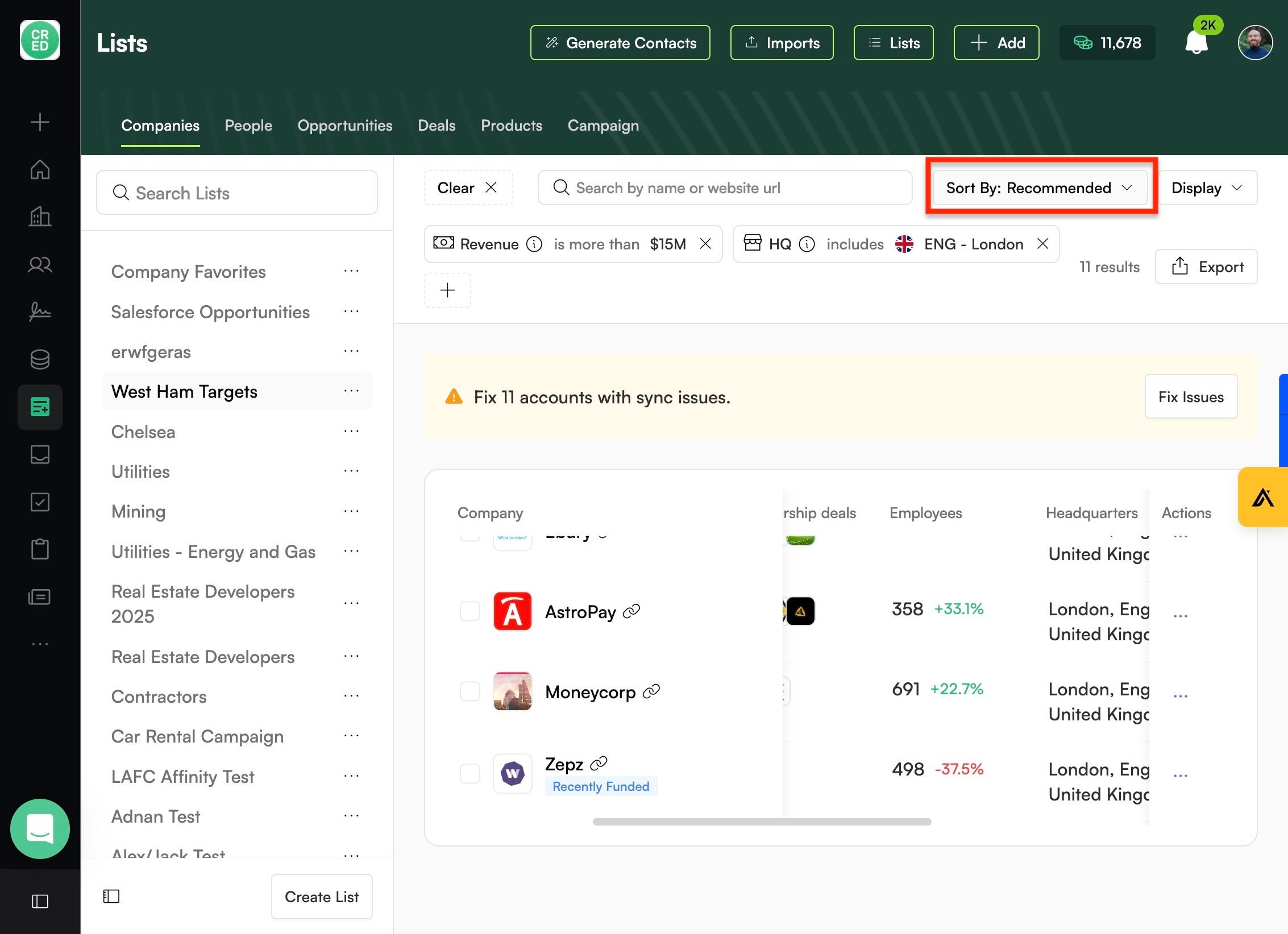
Click here.
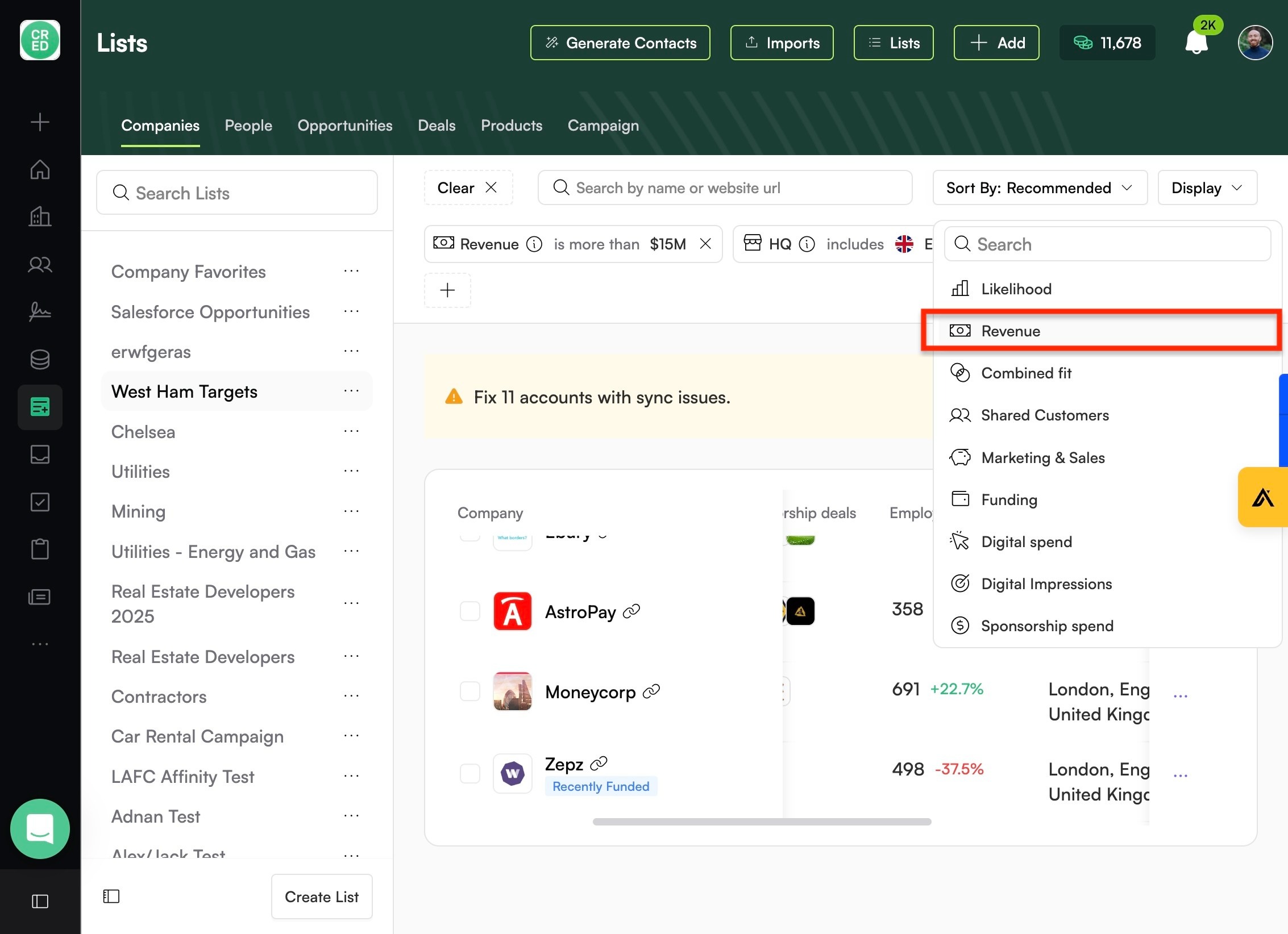
Play around with different sort options.
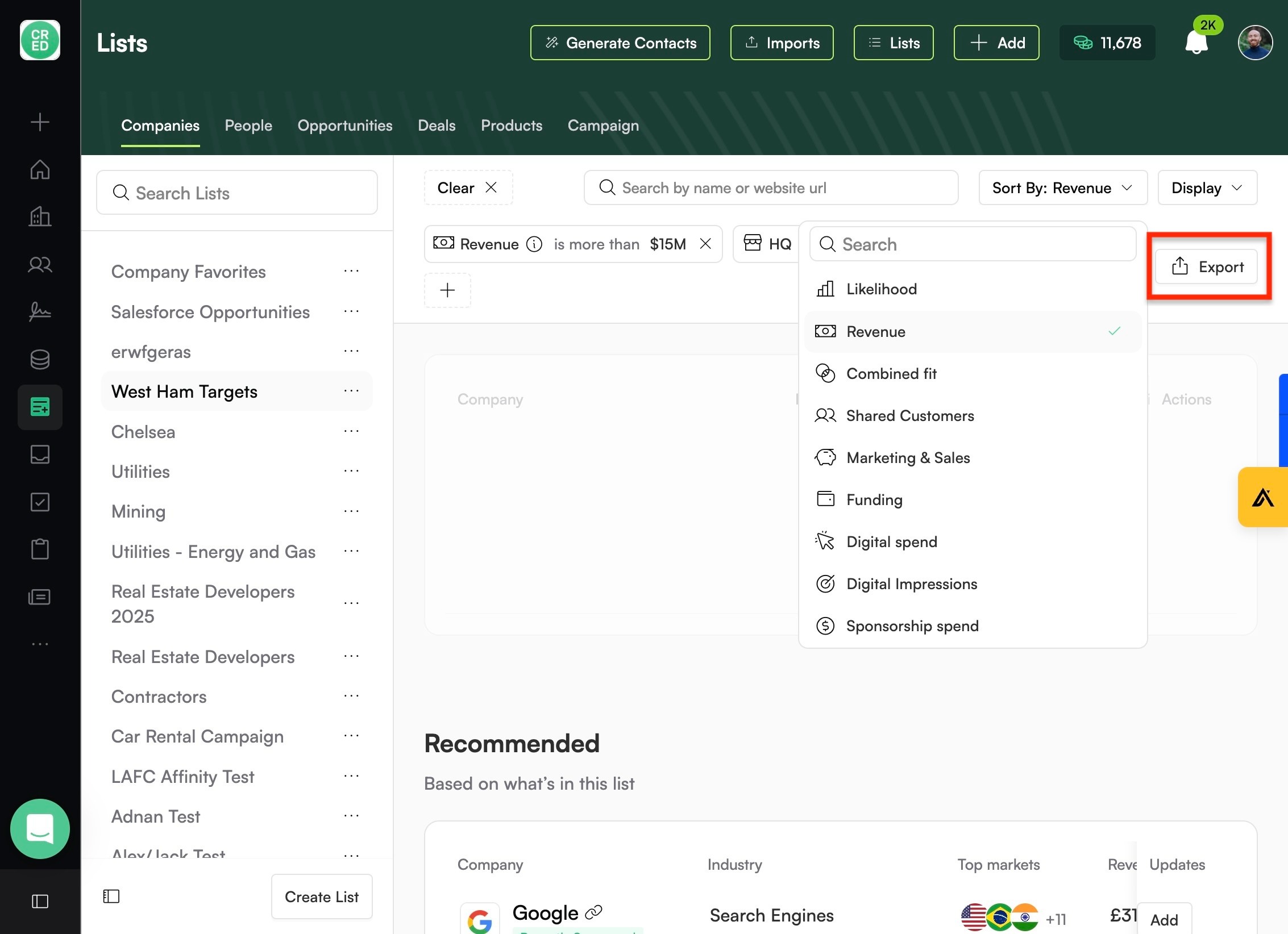
Like "Revenue", which sorts in order of descending revenue.
Export your refined list.