Setting Up LinkedIn Company Follower Collector Tool
Last updated: August 15, 2025
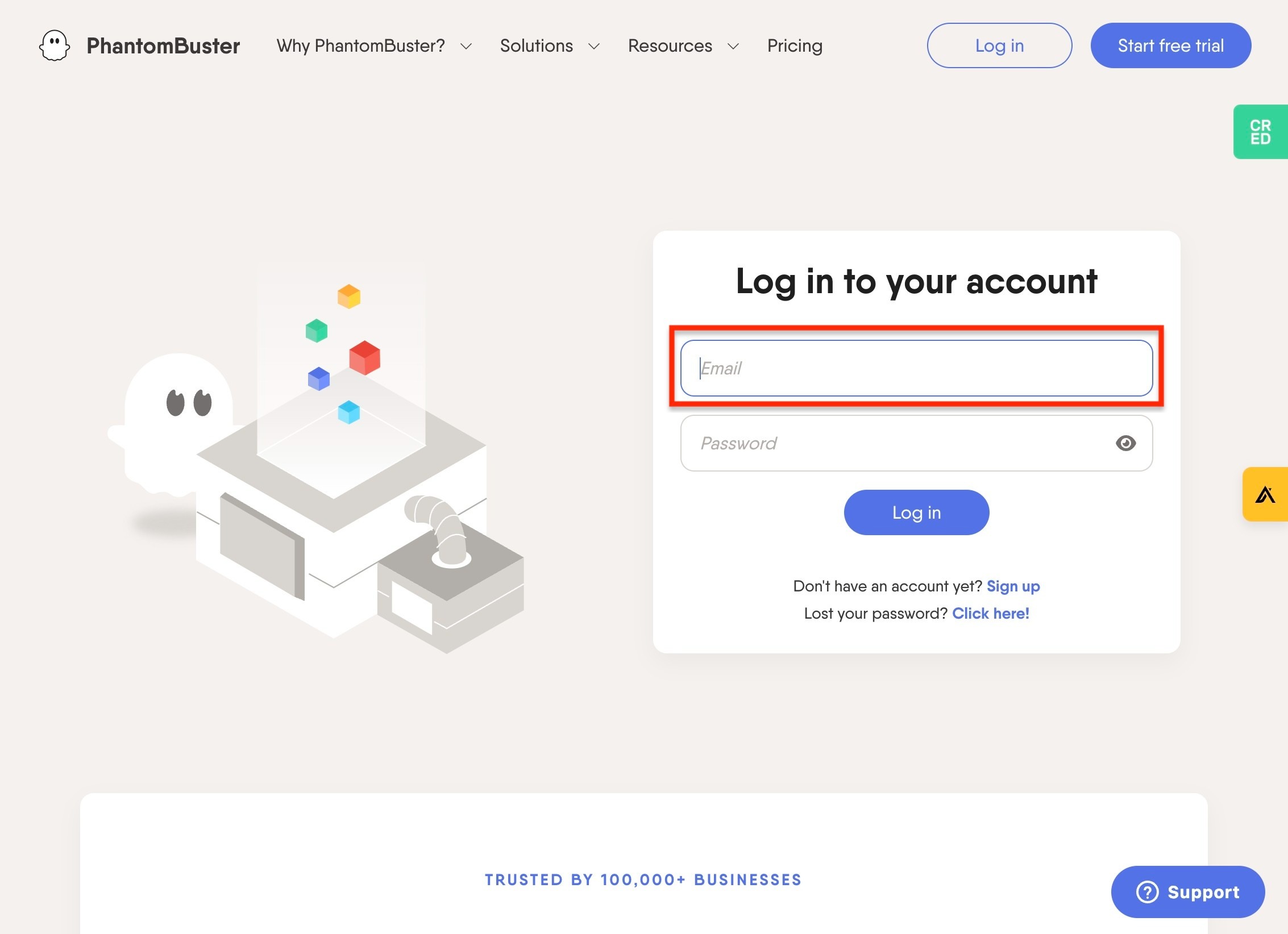
Navigate to https://phantombuster.com/login
Click the "Email" field and log in with the credentials provided
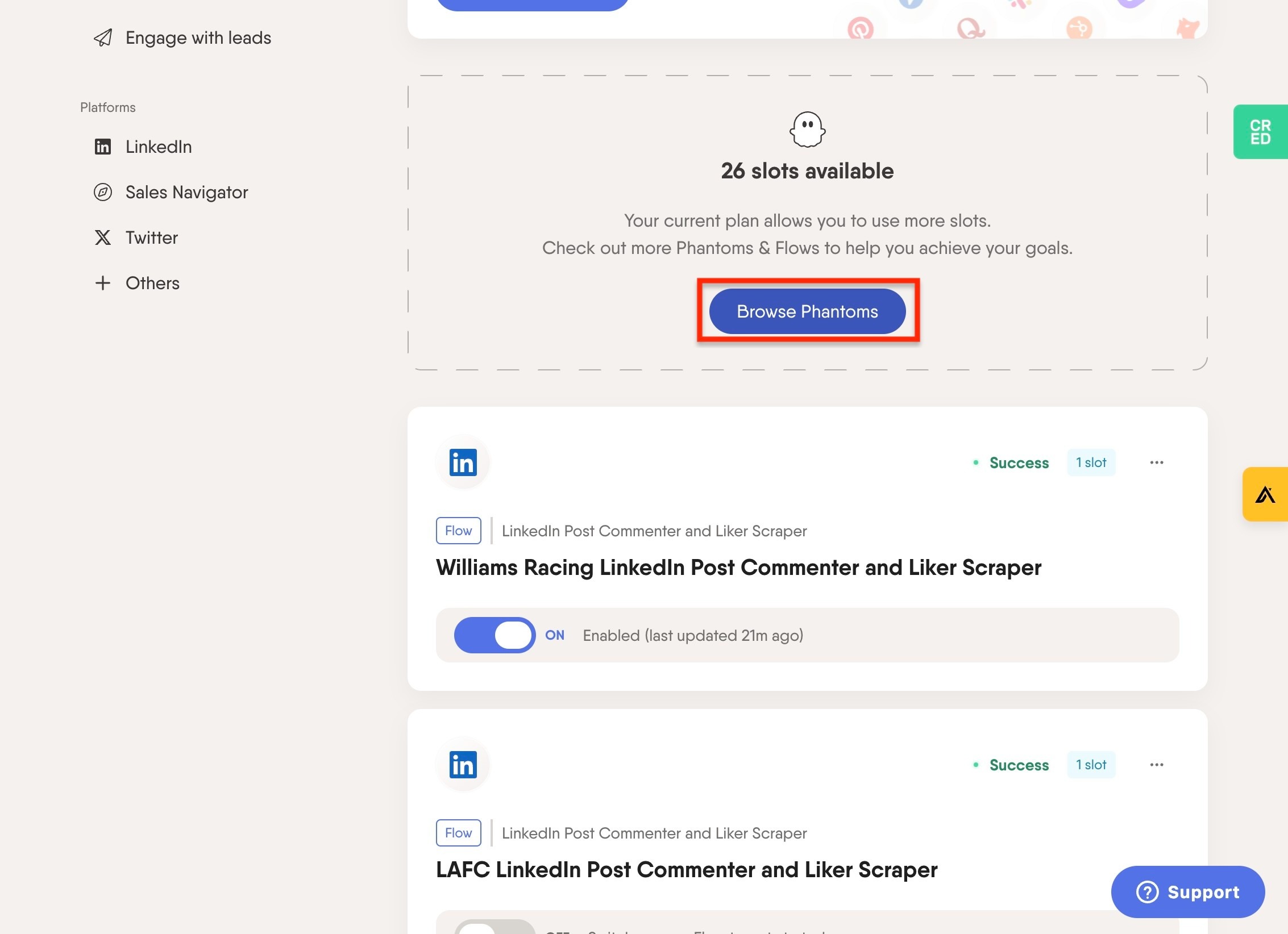
Click "Browse Phantoms"
Click the "Search" field
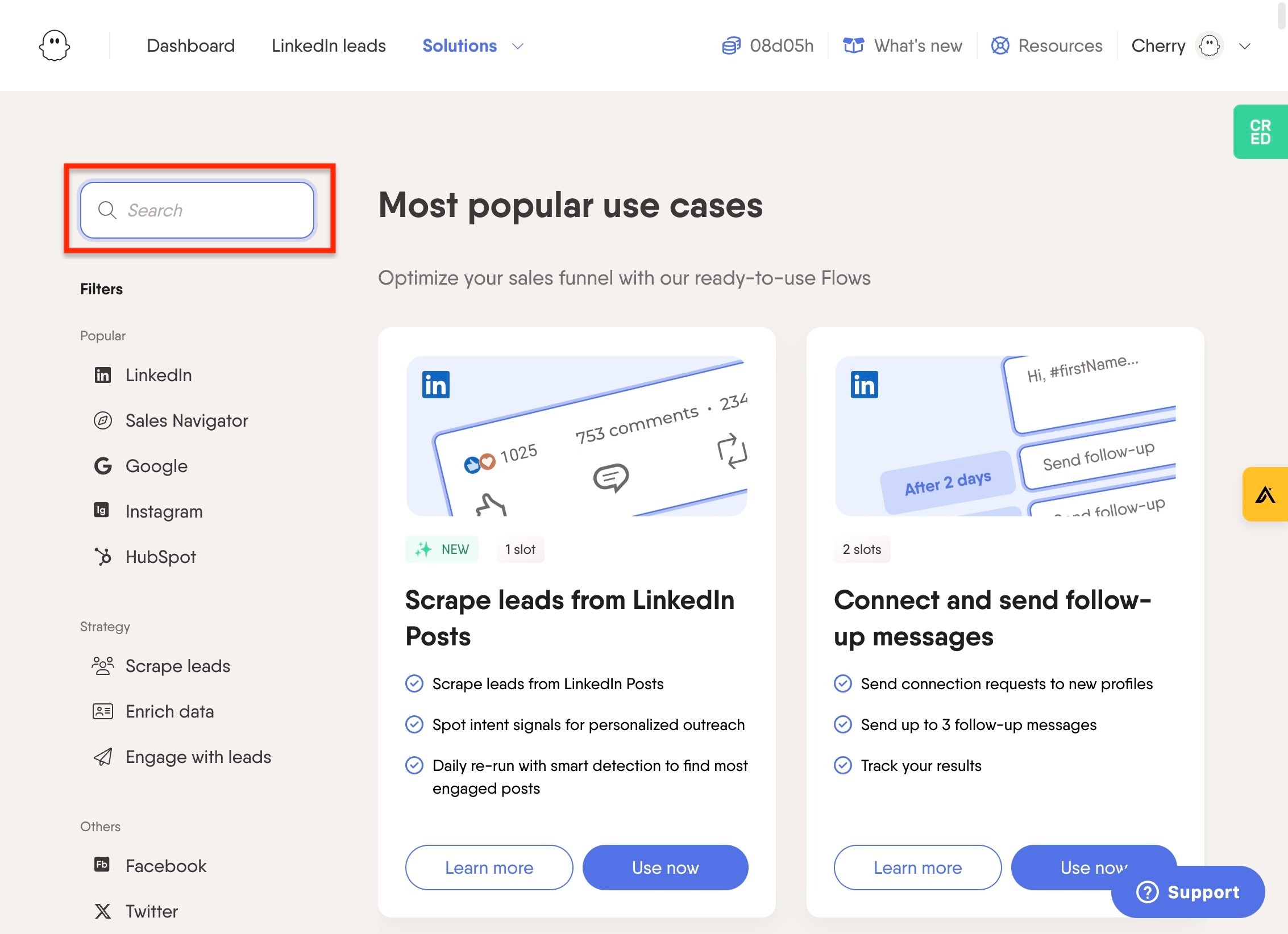
Type "follower"
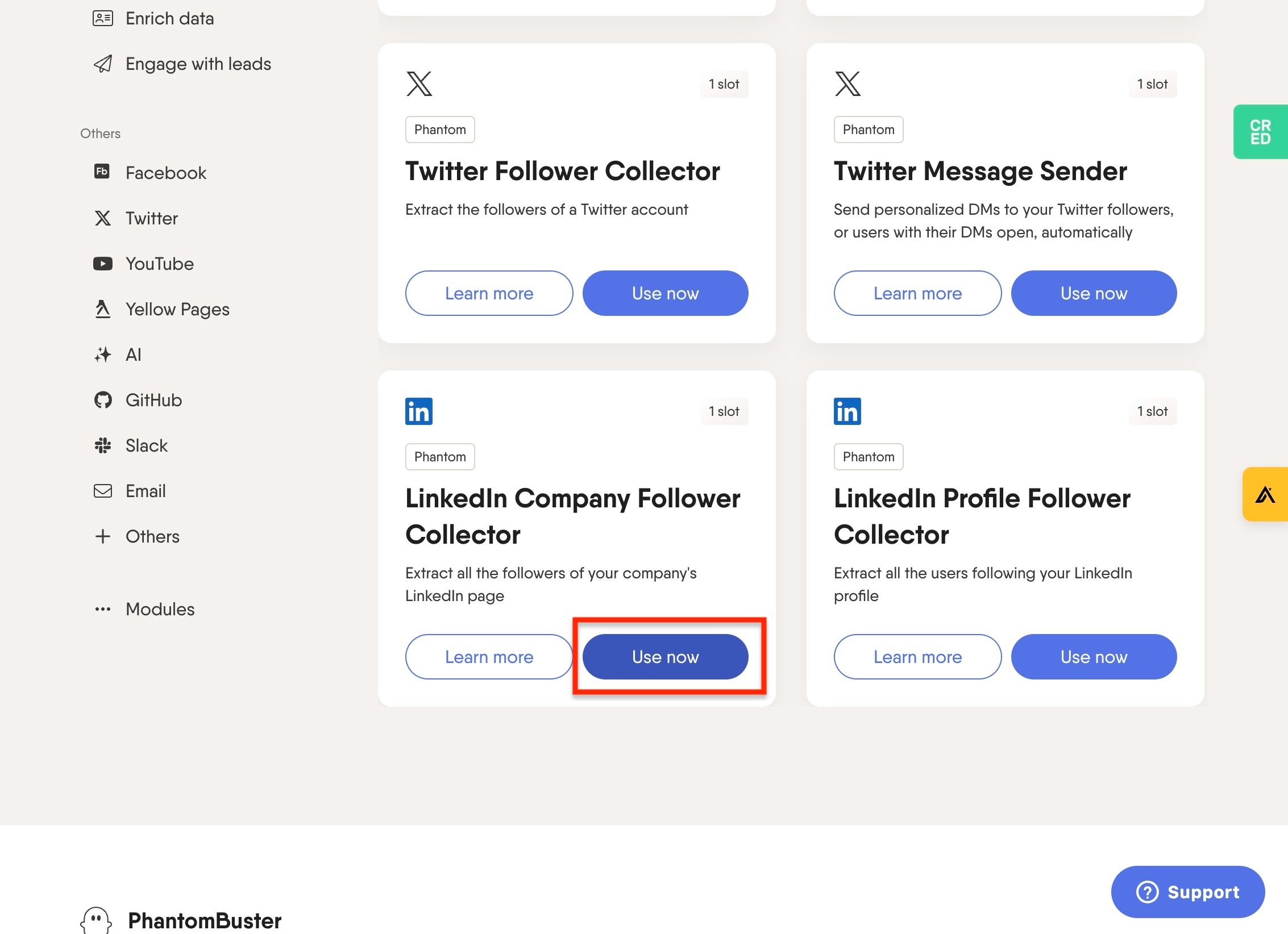
Find the "LinkedIn Company Follower Collector" and click "Use now"
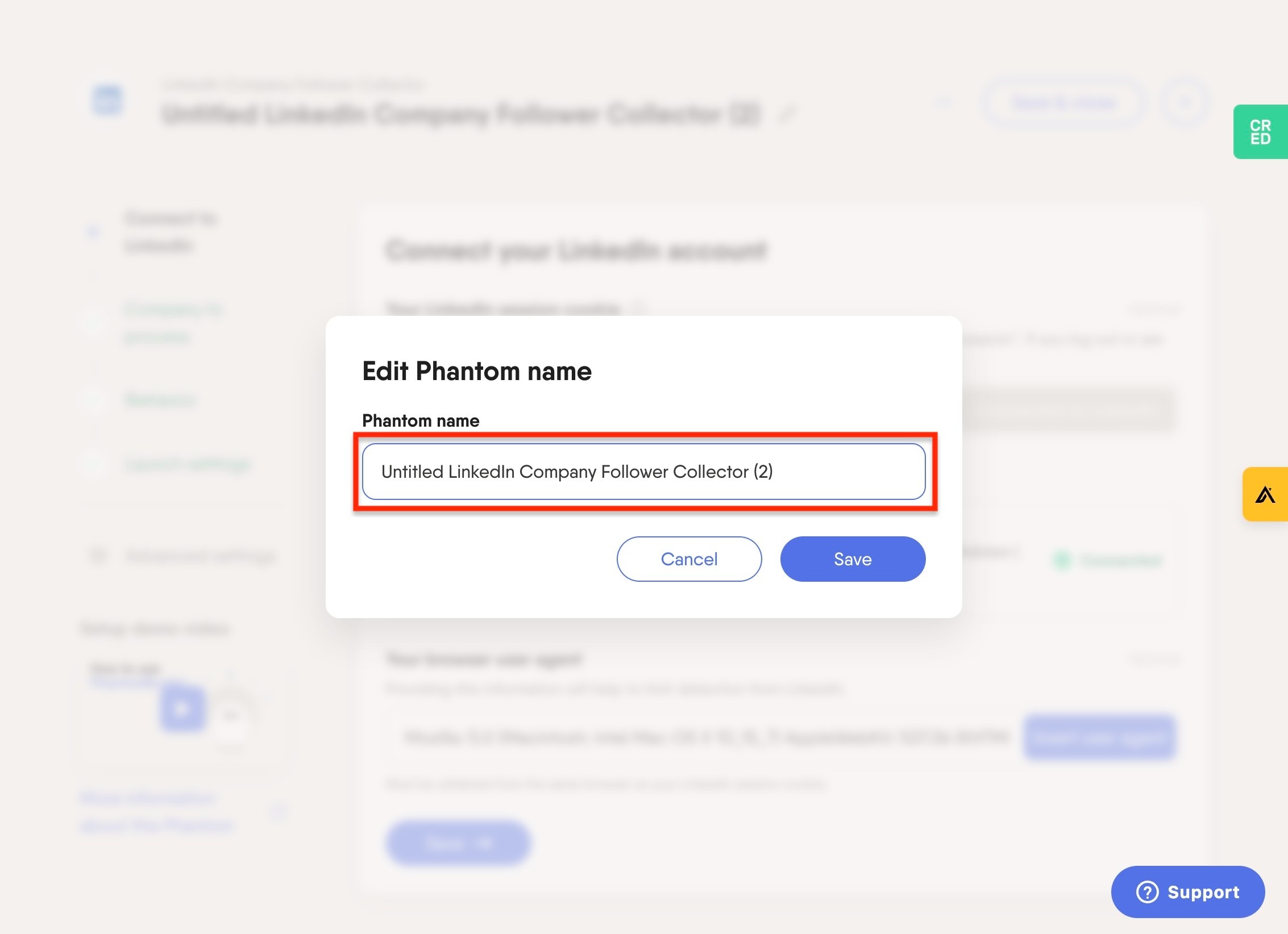
Double-click the "Untitled LinkedIn Company Follower Collector" field, enter your company name (e.g., "Arsenal LinkedIn Follower Collector"), and press save.
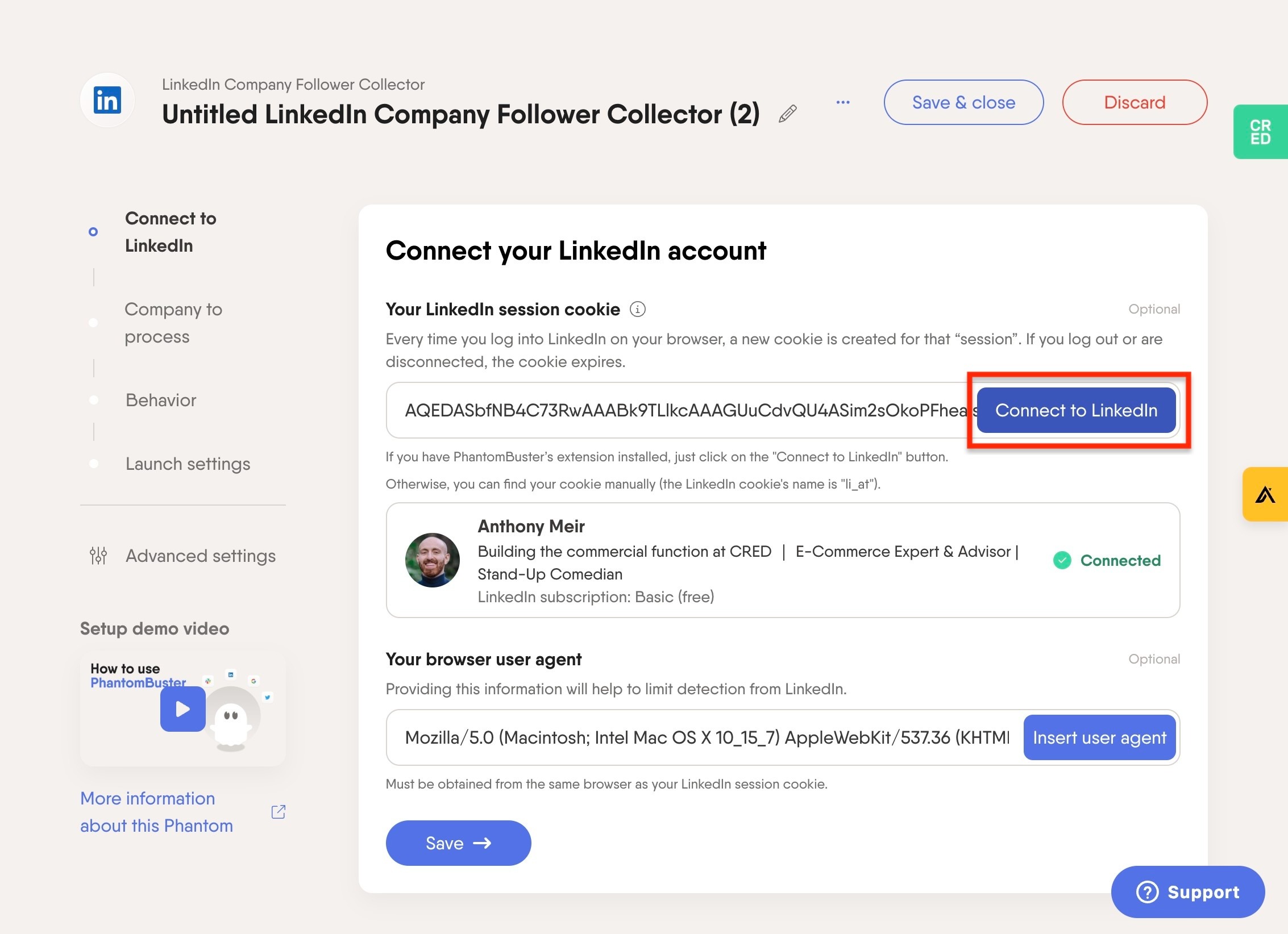
Click "Connect to LinkedIn", and connect your profile to LinkedIn.
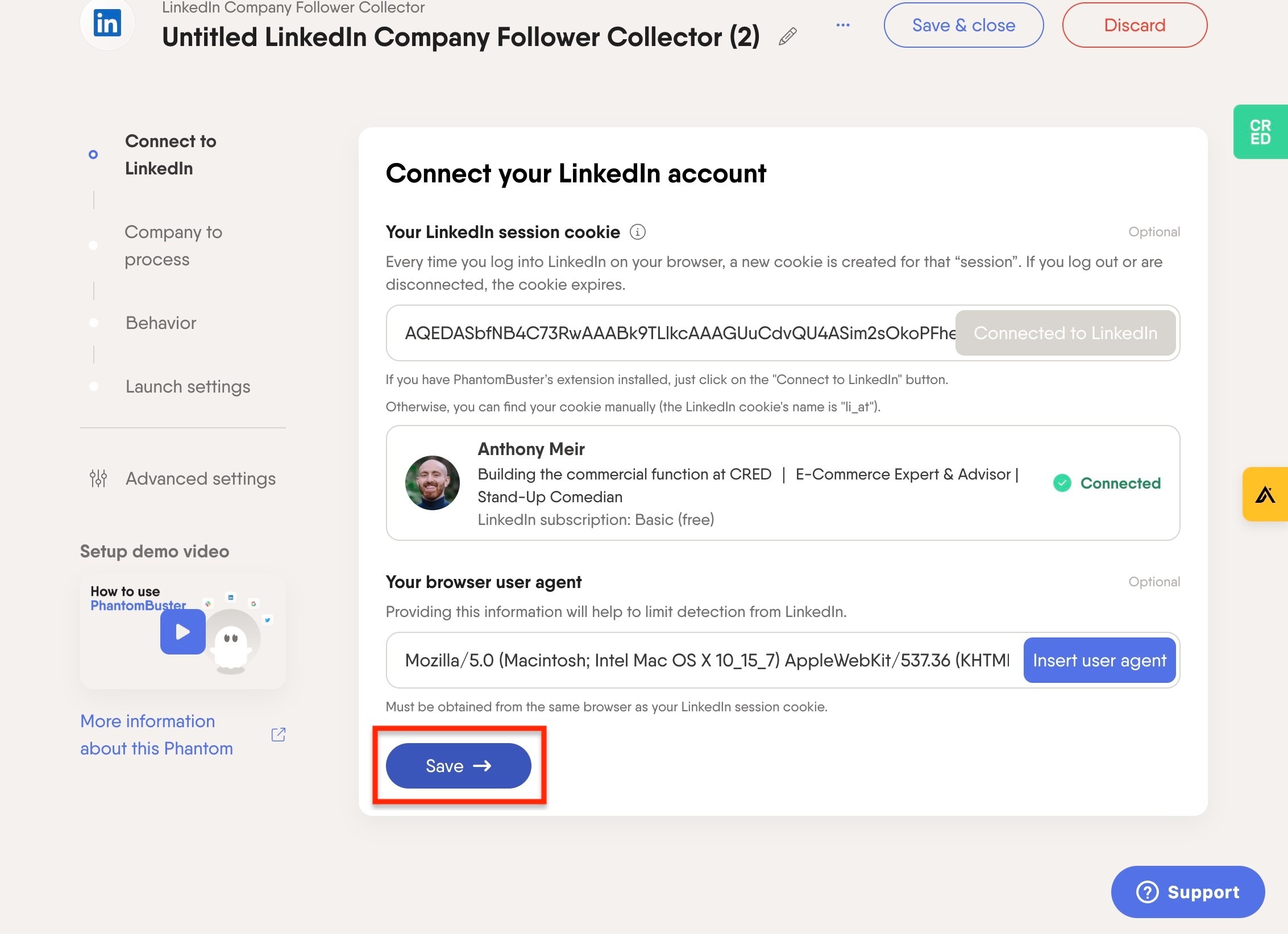
Click "Save" once your profile is connected
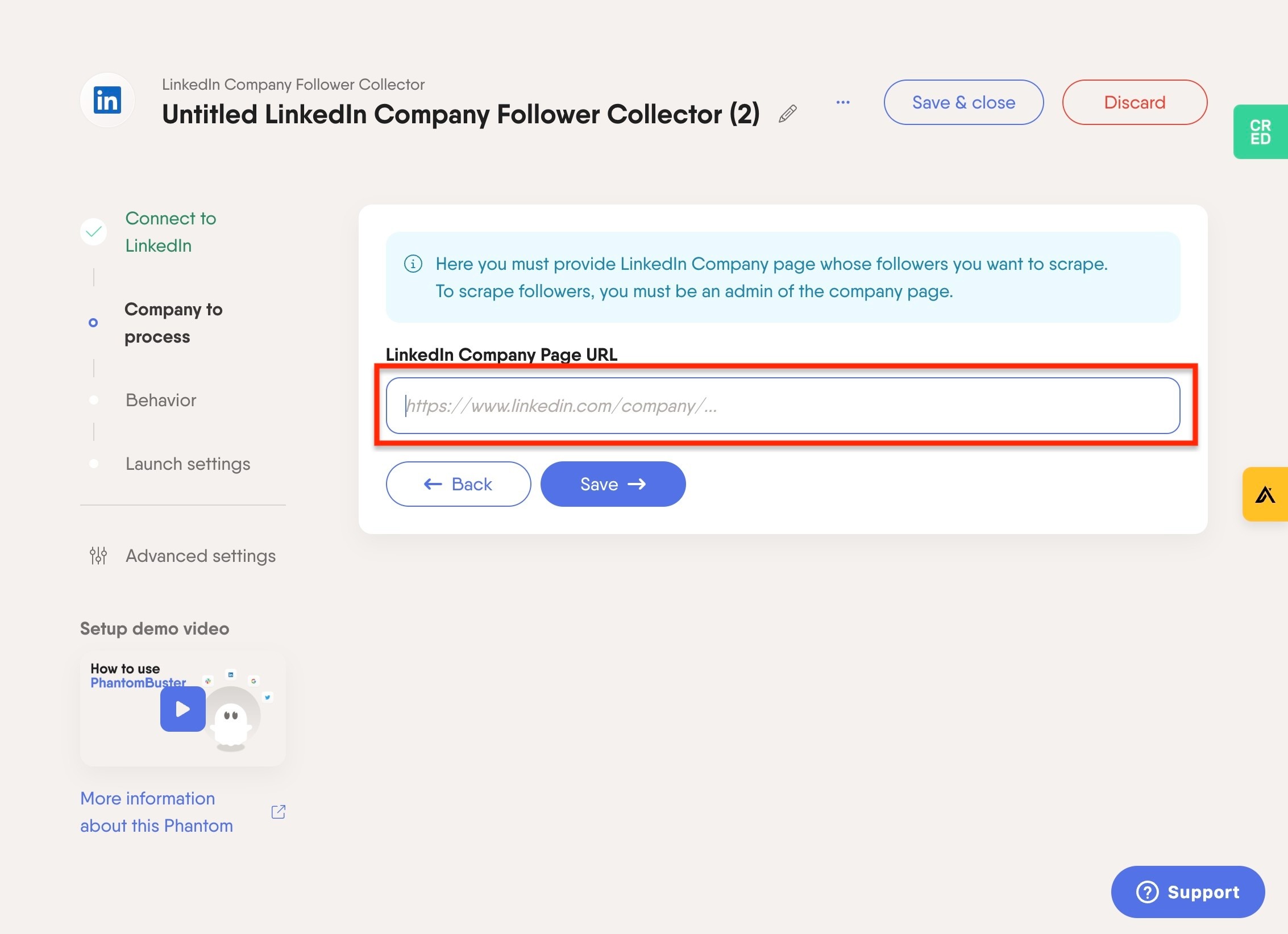
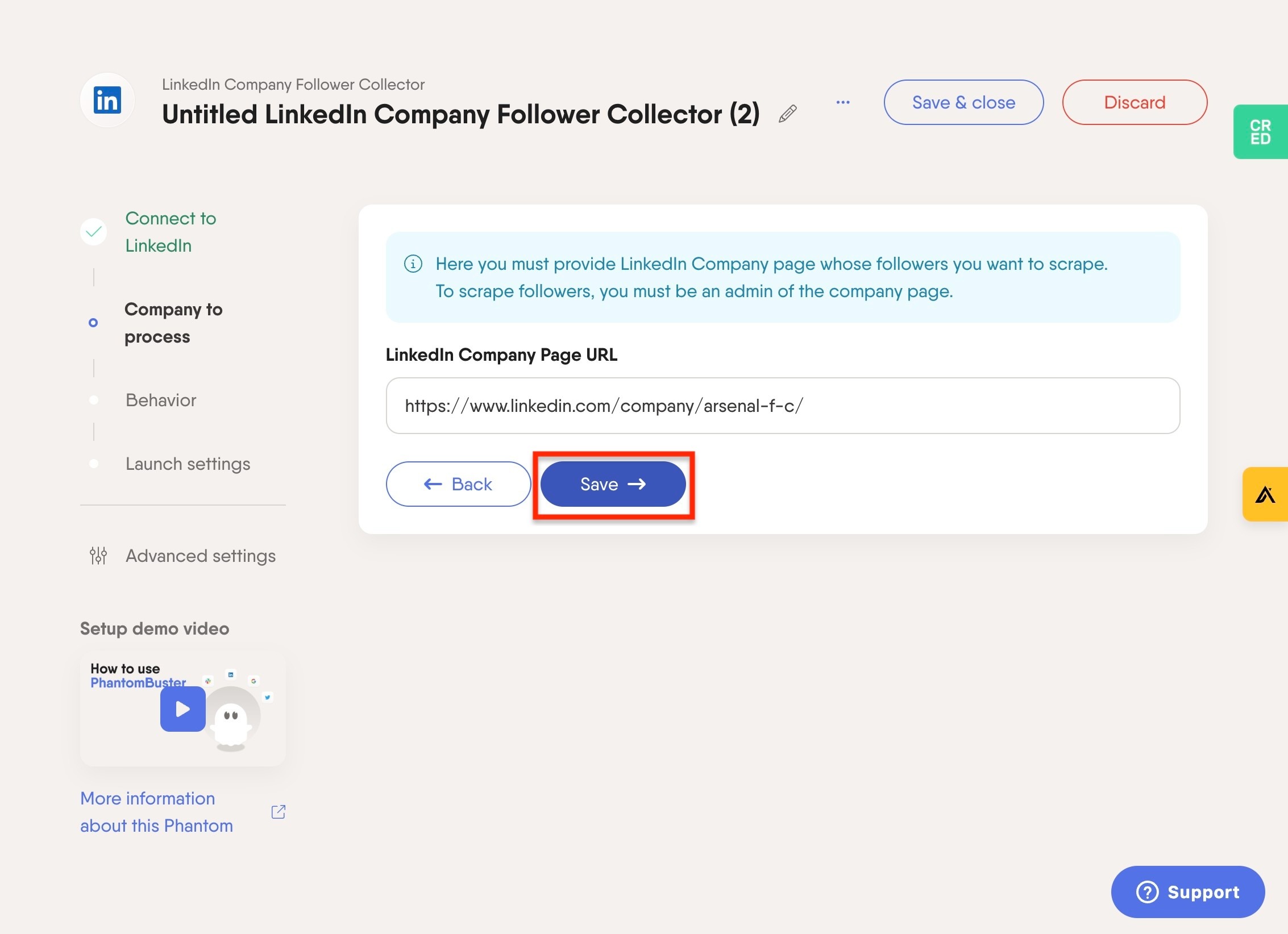
Read the blue text; you must be "an admin of the company LinkedIn page" to continue with the collection. Click the "https://www.linkedin.com/company/..." field and add your company's LinkedIn URL.
Click "Save"
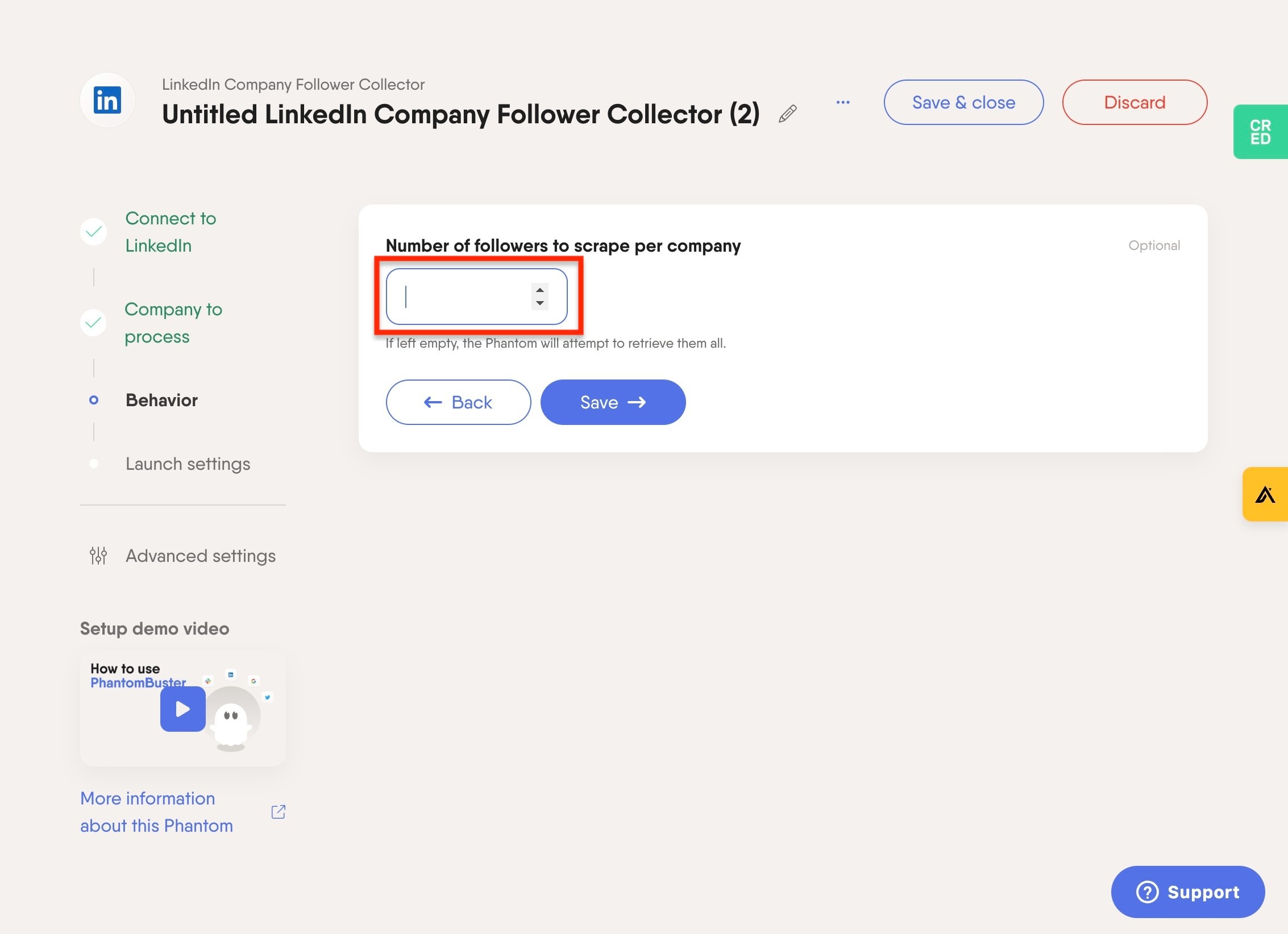
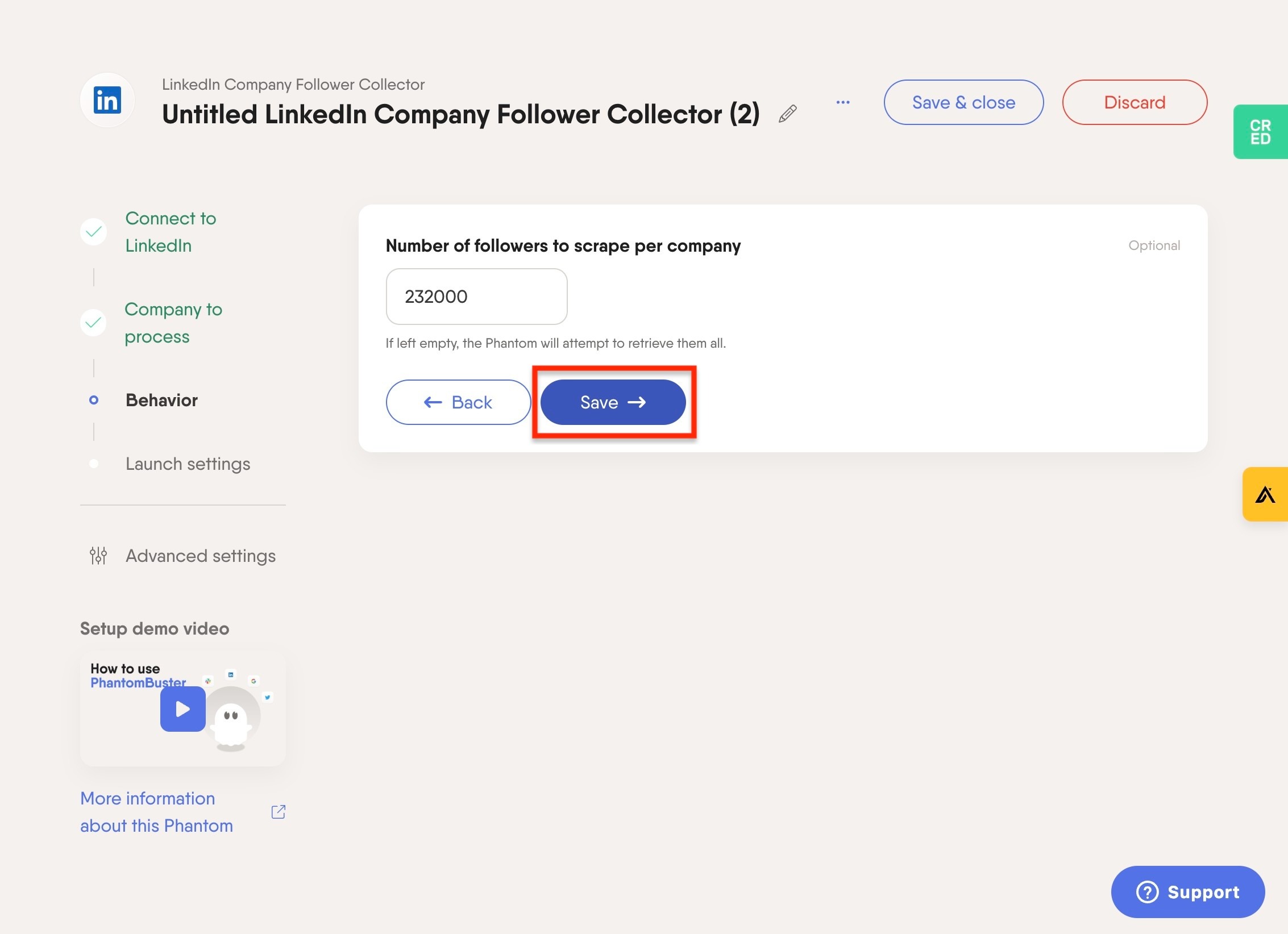
Click the number field and enter the total number of followers for your page. For example, if you’re Arsenal, enter 232000.
Click "Save"
Click "Advanced"
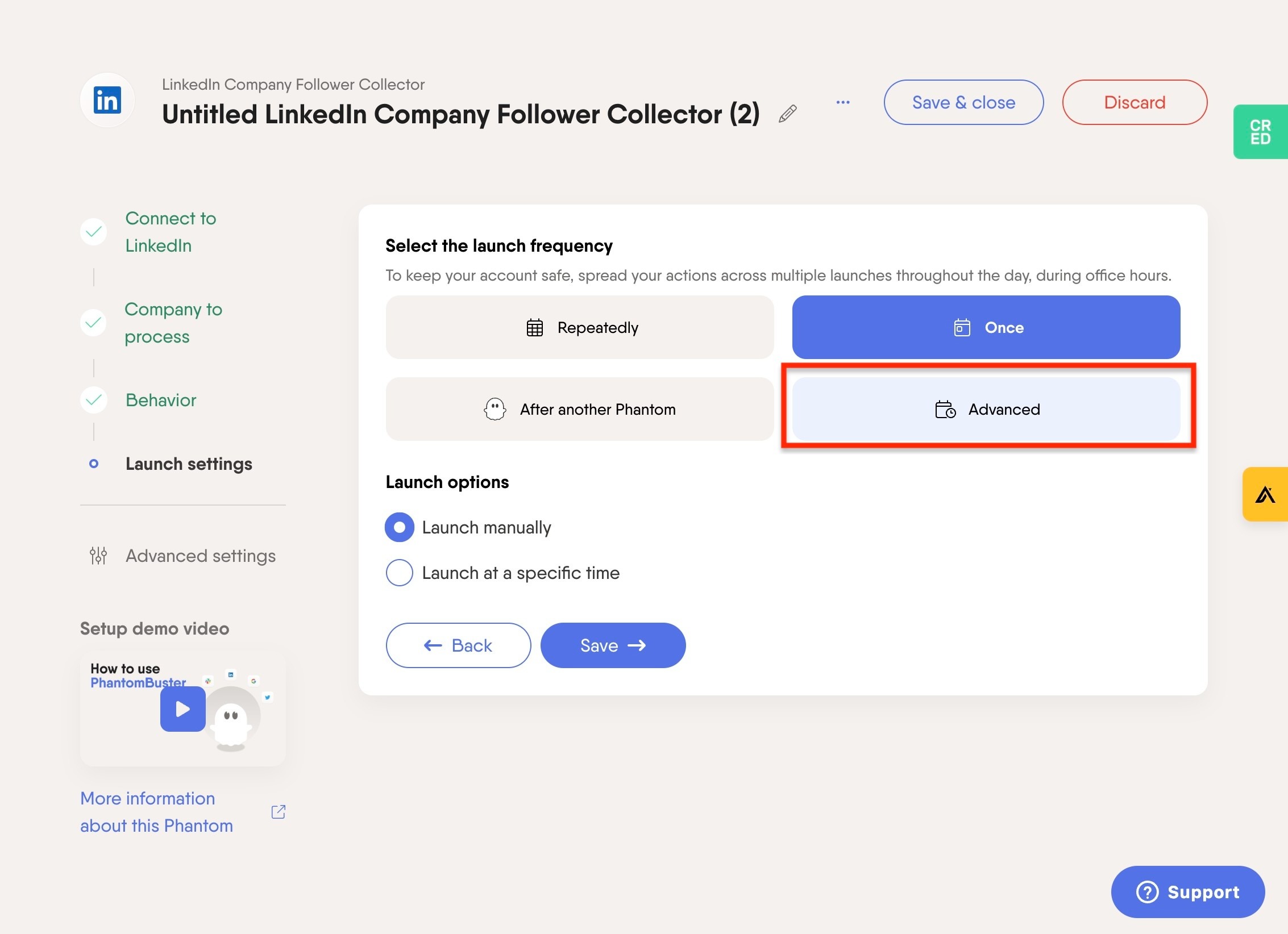
Click "Repeatedly"
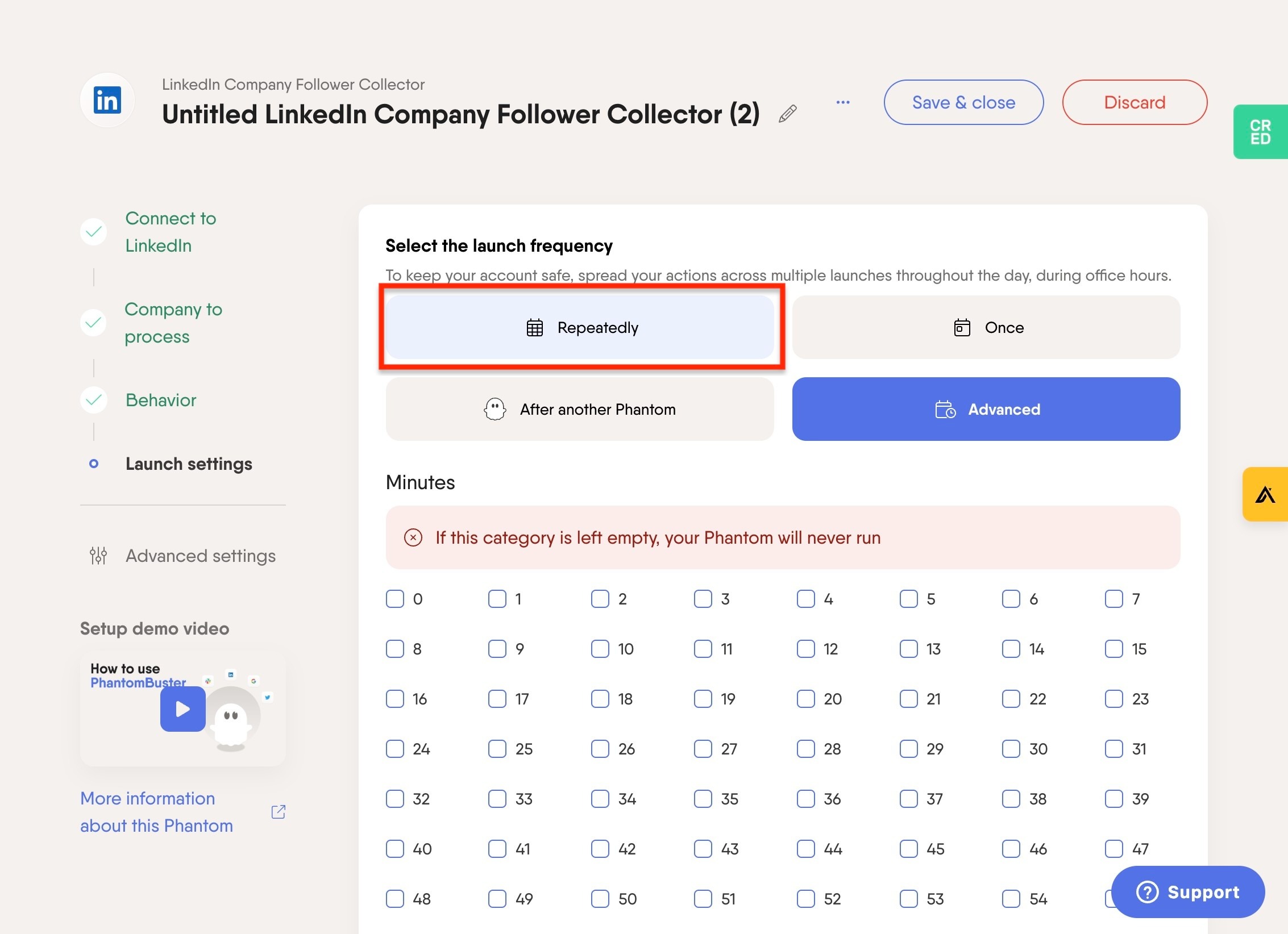
Click the "Frequency" field.
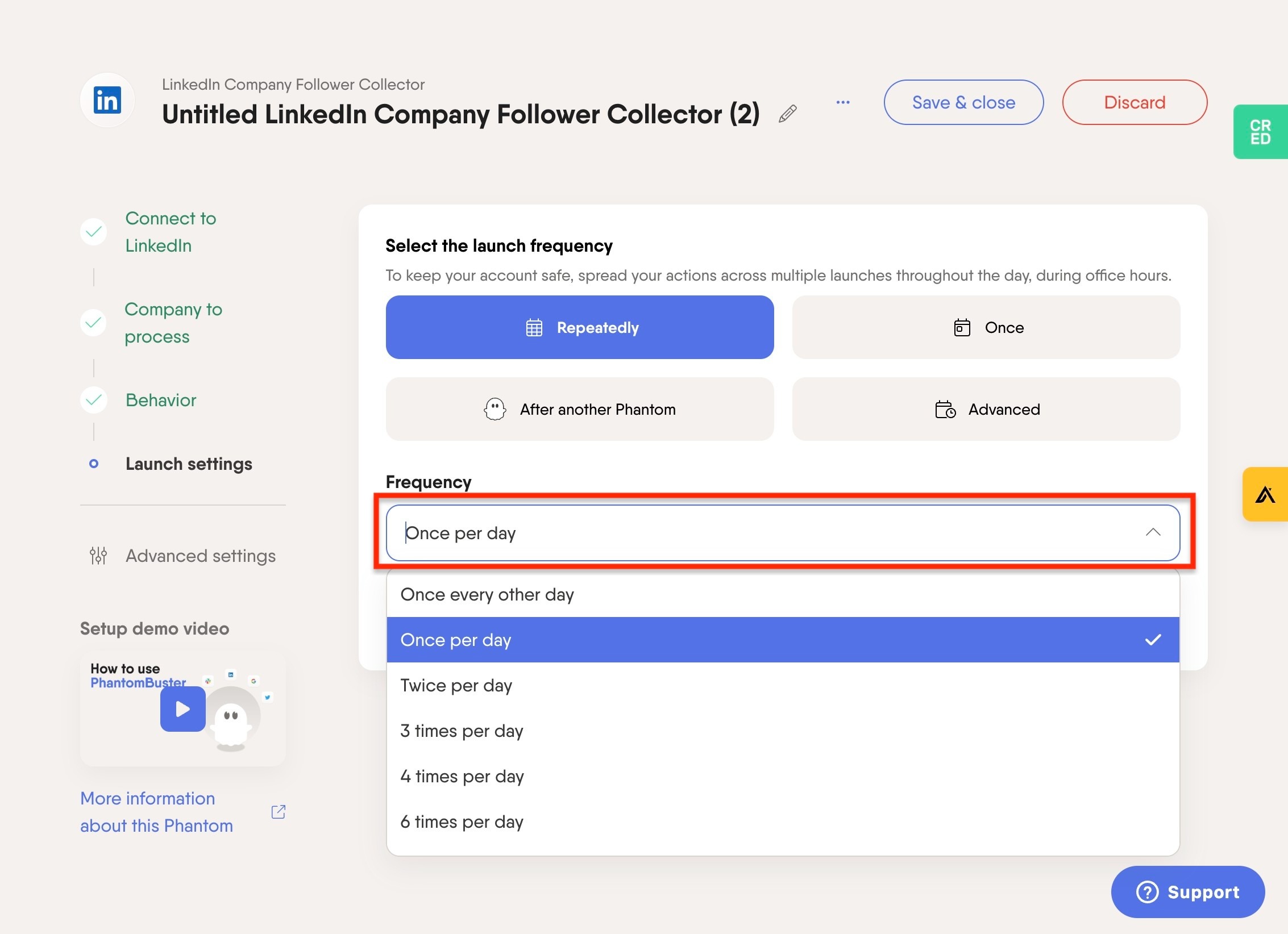
Click "4 times per hour"
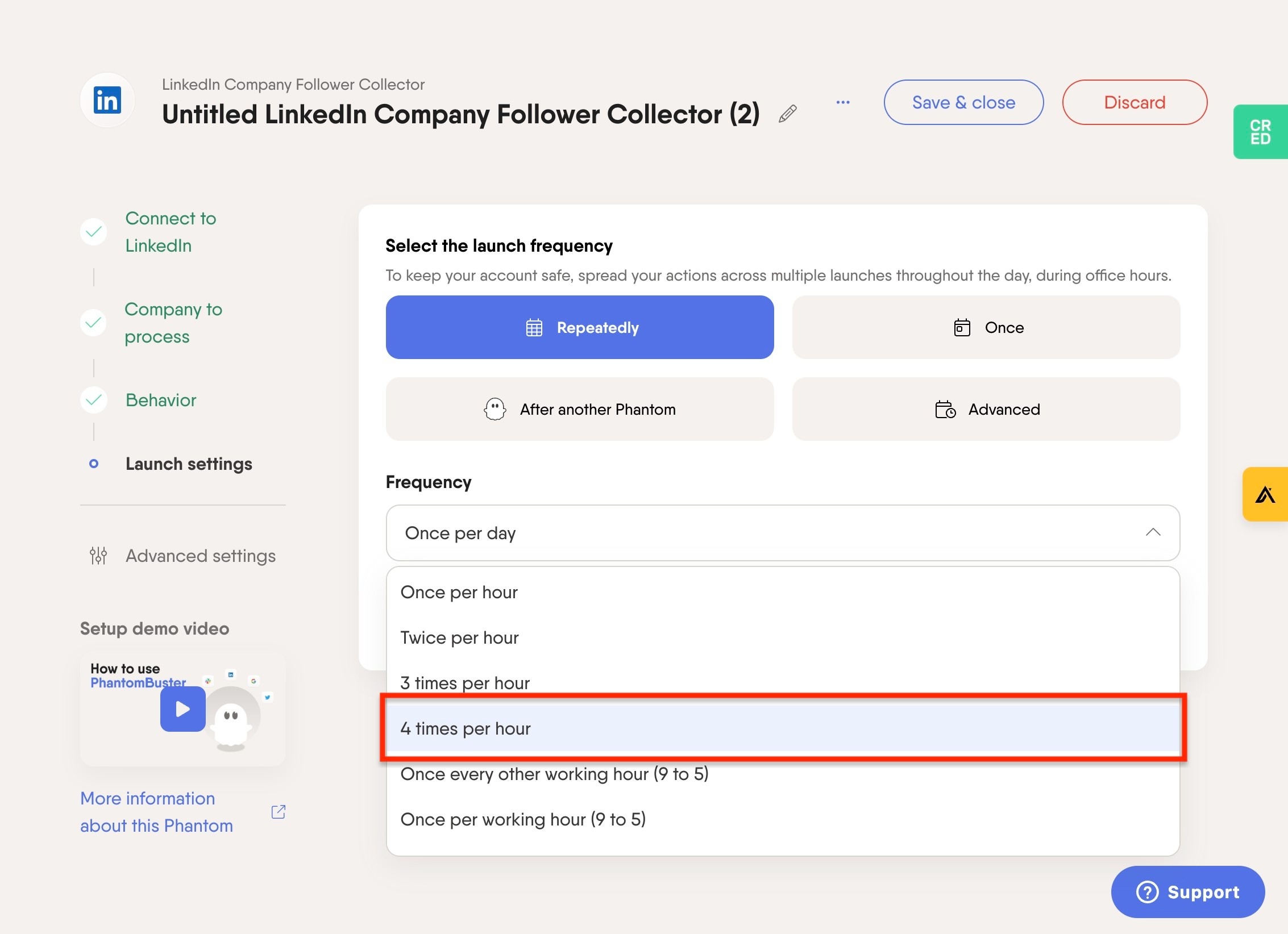
Click "Save"
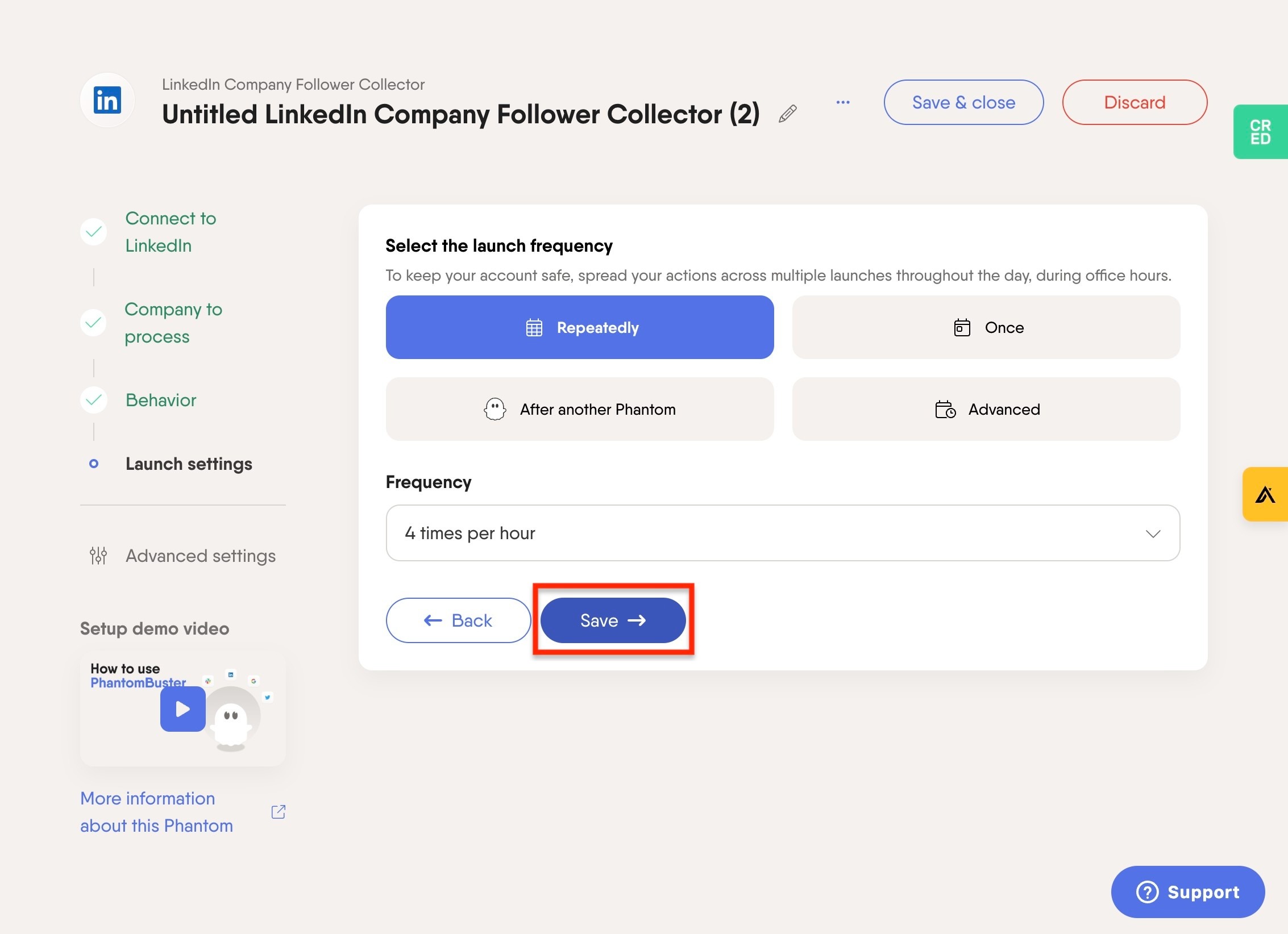
Click on "Launch" to set live