CRED API Data Encryption & Storing Standards
Last updated: August 15, 2025
CRED Technical Architecture
CRED is a web and mobile application that enables businesses to look at their customer data along with CRED provided datasets on companies, macro insights and people. CRED enables integration and enrichment of customer data with CRMs and allows data to be appended back to CRMs with CRED data. The architecture provides a front-end application that utilizes separate databases, enabling customers to have complete isolation of customer data in only their instance. See below for details:
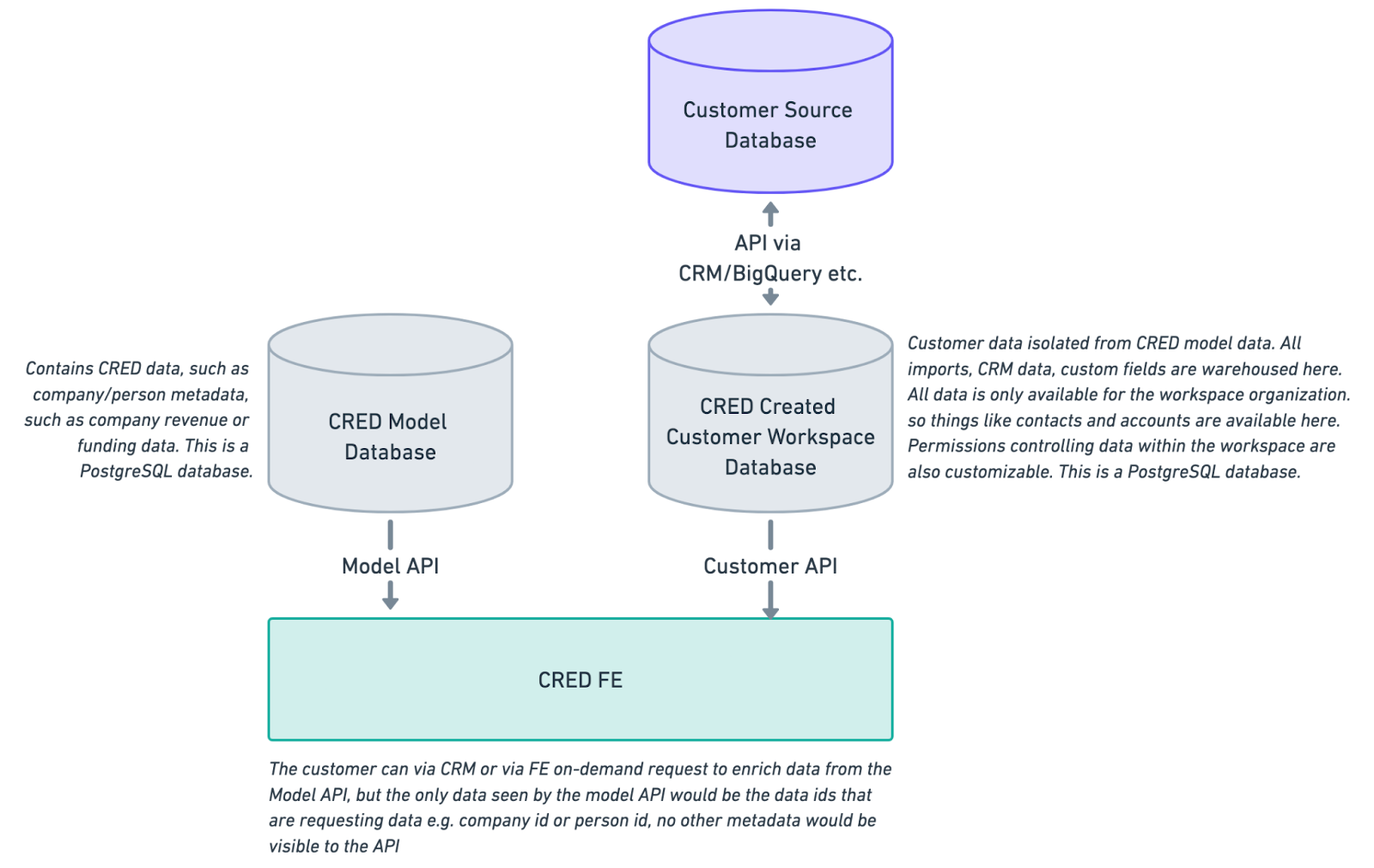
CRM data is all stored in the CRED Customer Database, restricting access to only the workspace to access that data. Data is stored on Postgres and Bigquery and is hosted by Google Cloud Services. API requests can be made from the customer application and from customer tools like CRMs to append, enrich and sync data. No customer data is stored in CRED model databases, all customer data remains isolated to the customer database. CRED utilizes autoscaling for the application along with backup plans and real time downtime analysis. CRED has had no incidents in 2024 to date (https://status.credplatform.com) with 100% uptime.
How Does CRED Encrypt and Store Data?
CRED ensures all data is encrypted both at rest and in transit.
Data Storage: All data is stored on Google Cloud Platform (GCP) using the AES-256 encryption algorithm.
Data Restrictions: Data is never stored on external media, and production data remains within the production environment in PostgreSQL, ElasticSearch and BigQuery.
Data Location and Security Options
Geographic Storage: Data can be stored in either Europe or the United States.
Single-Tenant Environments: Available for purchase as part of an annual plan, providing an additional layer of security.
How Does CRED Ensure Customer Credentials Are Secure?
CRED takes multiple measures to ensure the security of customer credentials:
Encryption: Credentials are encrypted both at rest and in transit, using two layers of encryption—one at the storage layer and another at the application layer.
Trusted Technology: CRED employs the same technology as Drata, a leading company in data security and compliance. Drata is trusted by major organizations to achieve and maintain certifications such as SOC 2, ISO 27001, PCI DSS, and HIPAA.
Does CRED Have an On-Prem Offering?
CRED does not currently offer an on-prem solution. However, we provide a single-tenant environment where your data is hosted in a GCP region of your choice. In this setup, you receive dedicated servers and databases, ensuring that your data is fully isolated from other CRED customers, while still being managed by CRED.
Do You Store Customer Data?
Yes, CRED stores both end user data and end user credentials.
Where Do You Store It?
CRED utilizes two default, multi-tenant data centers: GCP United States and GCP Europe. These data centers are available at no additional cost and can be used concurrently if you have a global customer base. Additionally, for a fee, CRED can set up a single-tenant environment in any GCP data center of your choice. For more information on single-tenant environments, please contact our team.
How Long Do You Store Customer Data?
Customer data and credentials are stored indefinitely until the CRED customer actively deletes them. Linked accounts can be deleted through the Dashboard. Note that revoking an integration will not delete existing data for the linked account; it will only prevent new data from being created.
What Controls Are in Place Around Accessing and Moving This Data?
Security is fundamental to the CRED product, especially when handling sensitive data as a subprocessor. To ensure the security of end user data, we have heavily invested in our security credentials and infrastructure. For detailed information on our security practices, please review the resources below or contact us at hello@credinvestments.com.
How the Integration Works
Customers grant CRED access to their Salesforce credentials. CRED then uses OAuth 2.0 to authenticate with the Salesforce REST API. This allows CRED to read data from the customer’s Salesforce account and store it in a Google Cloud Platform (GCP) database. CRED replicates this data and makes it available through a web app for the customer. All data is encrypted at rest with AES-256 and in transit with TLS 1.2+.
What is API integration?
It’s the process of connecting applications via their APIs. This includes connecting the applications your organization uses internally and integrating 3rd-party applications with your product.
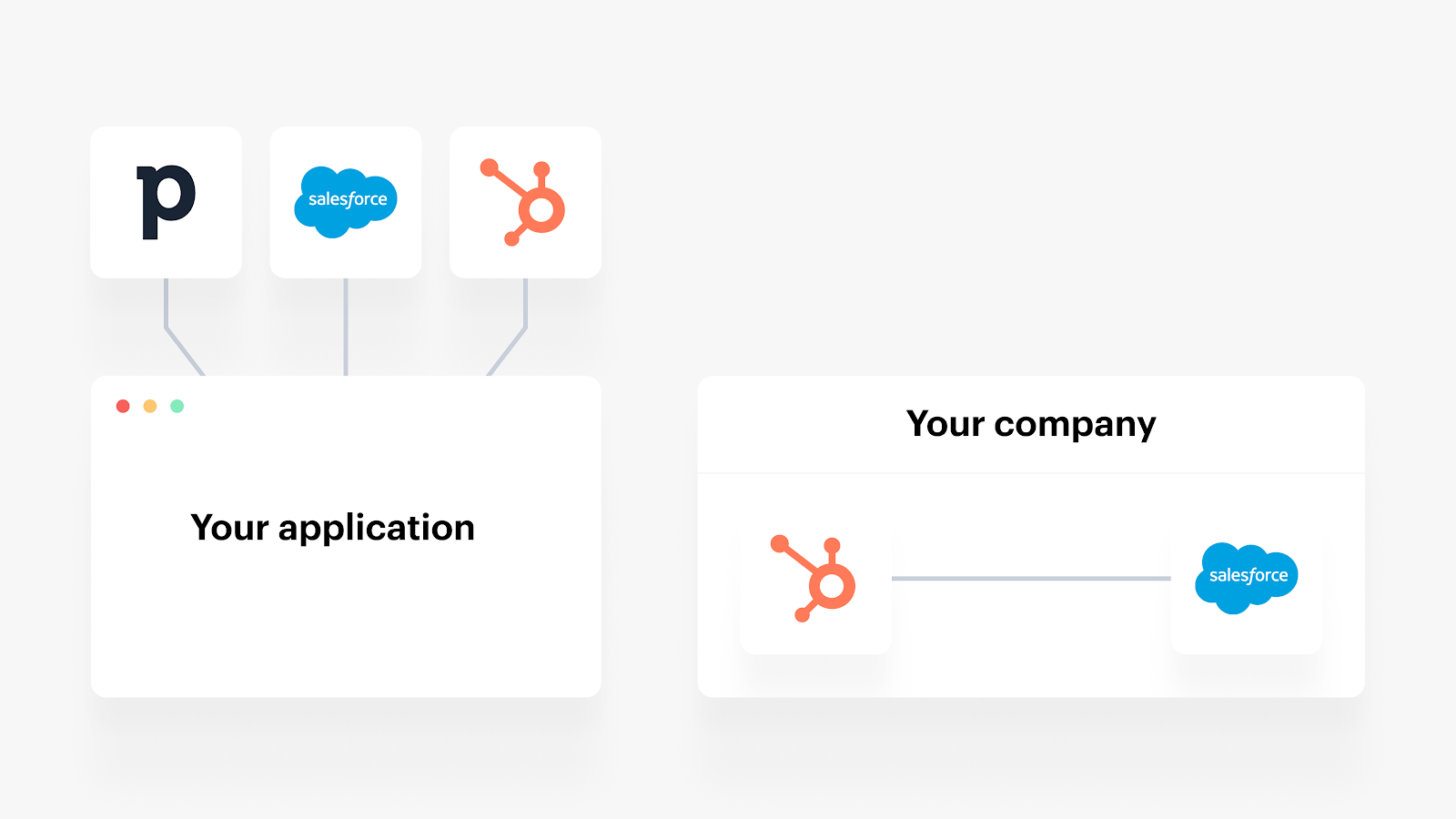
API Integration Security: What It Is and Best Practices
Your internal and customer-facing API integrations often access and sync sensitive data, ranging from employees’ social security numbers and business financial data to clients’ credit card information. Inadequate security controls can compromise your ability to pass audits like SOC 2 Type II and meet critical data protection regulations like GDPR. Furthermore, it can erode client trust and damage your market reputation.
To help you avoid these negative outcomes and ensure robust security, we’ll outline five best practices for API integration security. First, let’s define what API integration security entails.
What is API Integration Security?
API integration security encompasses a set of practices and tools designed to protect the data and applications you’ve connected. The primary goal is to safeguard the data of your employees, clients, prospects, and partners from unauthorized access. This security can be applied to both customer-facing and internal integrations.
Best Practices for API Integration Security
Use Strong Authentication and Authorization Implement robust authentication mechanisms such as OAuth 2.0 to ensure that only authorized users and applications can access the APIs. Employ role-based access control (RBAC) to limit access to sensitive data.
Encrypt Data in Transit and at Rest Use TLS to encrypt data transmitted between applications and APIs. Ensure data is also encrypted at rest using strong encryption algorithms like AES-256.
Regularly Monitor and Audit API Activity Continuously monitor API usage to detect any unusual activity that might indicate a security breach. Conduct regular audits to ensure compliance with security policies and regulatory requirements.
Implement Rate Limiting and Throttling Protect APIs from abuse and overuse by implementing rate limiting and throttling. This helps prevent denial-of-service attacks and ensures fair usage of resources.
Keep APIs Updated and Patch Vulnerabilities Regularly update your APIs to fix security vulnerabilities and enhance functionality. Apply security patches promptly to protect against known threats.
By following these best practices, you can enhance the security of your API integrations and protect sensitive data from unauthorized access, ensuring compliance with regulations and maintaining the trust of your clients and partners.
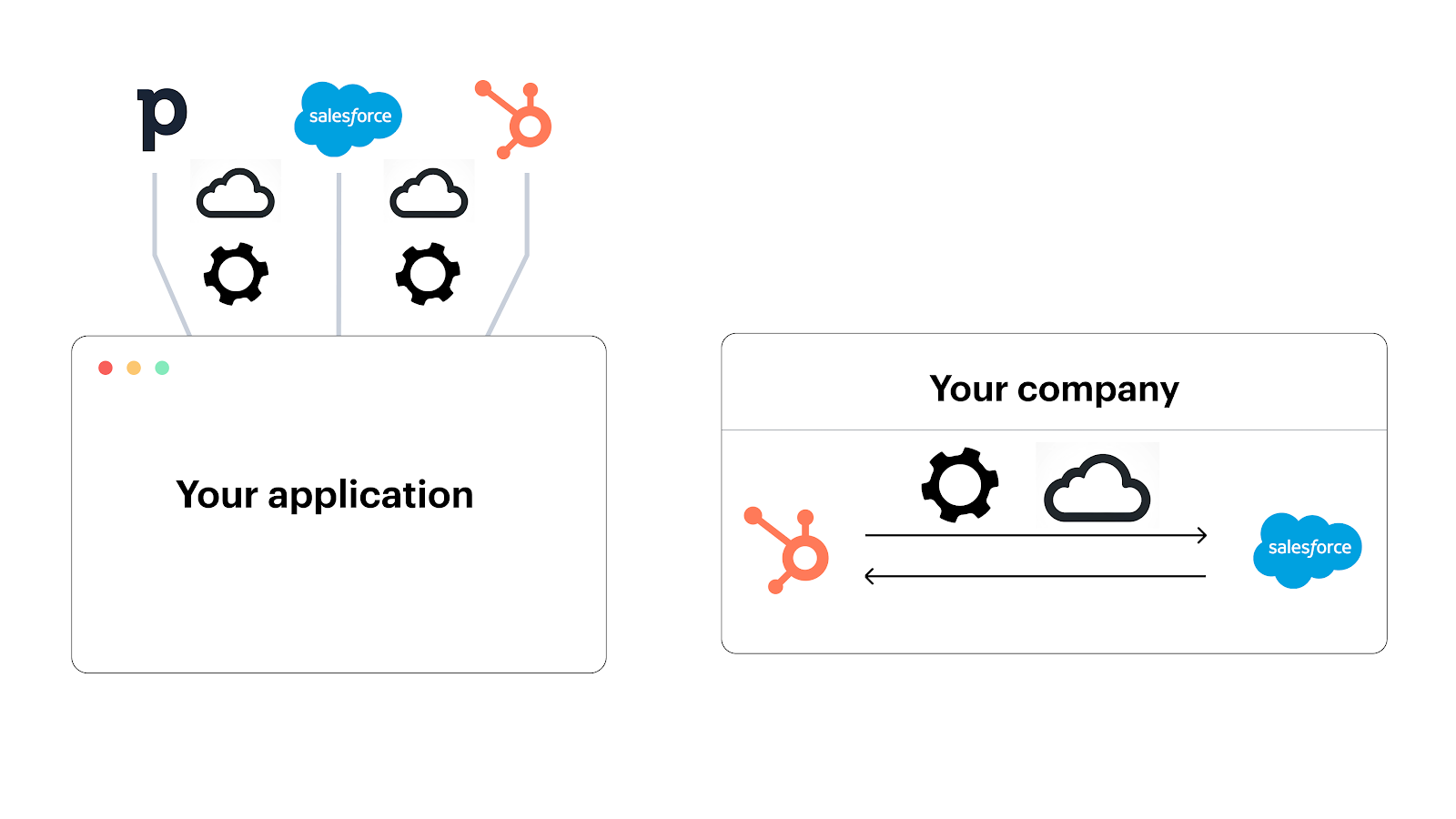
Best Practices for API Integration Security
While numerous measures can enhance security, here are several key priorities:
Verify API Provider Security Measures Third-party APIs vary in their security protocols. Review the API documentation to ensure they meet your security requirements. Key aspects to assess include:
Authentication and authorization mechanisms, such as OAuth or OpenID Connect.
Encryption policies, including the use of HTTPS for data in transit and advanced encryption methods like Perfect Forward Secrecy.
Data privacy and compliance with relevant regulations.
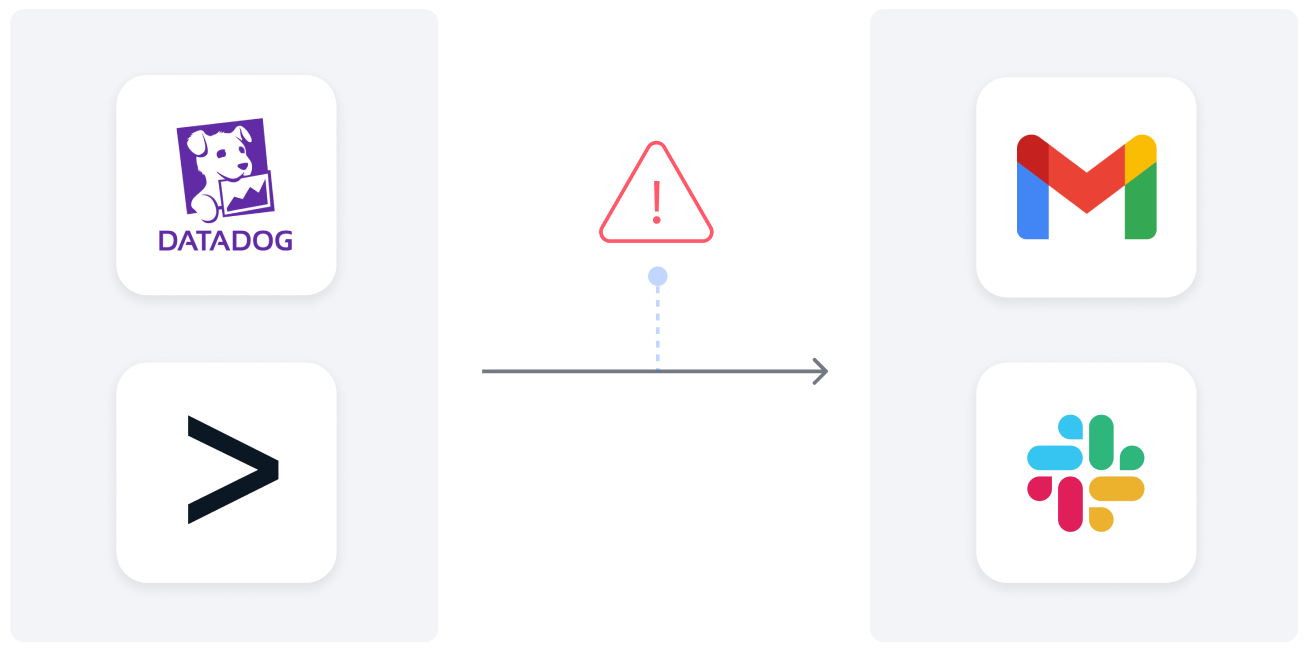
Implement Robust Error Handling Procedures Integration errors can expose vulnerabilities, leading to data leaks or compliance issues. Establish an error handling process to promptly identify, diagnose, and resolve issues. For example:
Integrate monitoring tools like Datadog with communication platforms such as Slack.
Develop workflows where specific issues trigger notifications in designated communication channels, facilitating rapid response and resolution.
By prioritizing these practices, you can bolster the security of your API integrations and mitigate potential risks to your organization's data and compliance efforts.
Safeguarding API keys or tokens is paramount to prevent unauthorized access and potential data breaches. Here are several recommended precautions:
Implement Security Measures for API Keys/Tokens Whether using API keys or tokens for authentication, it's crucial to safeguard them against unauthorized access. Exposing them can enable attackers to make unauthorized API calls, compromising sensitive data and jeopardizing the security of your employees and clients. Consider the following protective measures:
Avoid hardcoding keys/tokens in source code to prevent unauthorized access.
Implement token/key expiration features, such as time-based or event-based expiration, to limit their lifespan.
Utilize secure vault services like GCP Secret Manager to store credentials in a secure environment.
Utilize Role-Based Access Control (RBAC) When provisioning users in an API integration tool, exercise caution to prevent unauthorized access to sensitive data. Invest in integration tools that offer role-based access control (RBAC) and adhere to the principle of least privilege. Ensure users are granted access only to the data necessary for their specific tasks, minimizing the risk of data exposure and compliance violations.
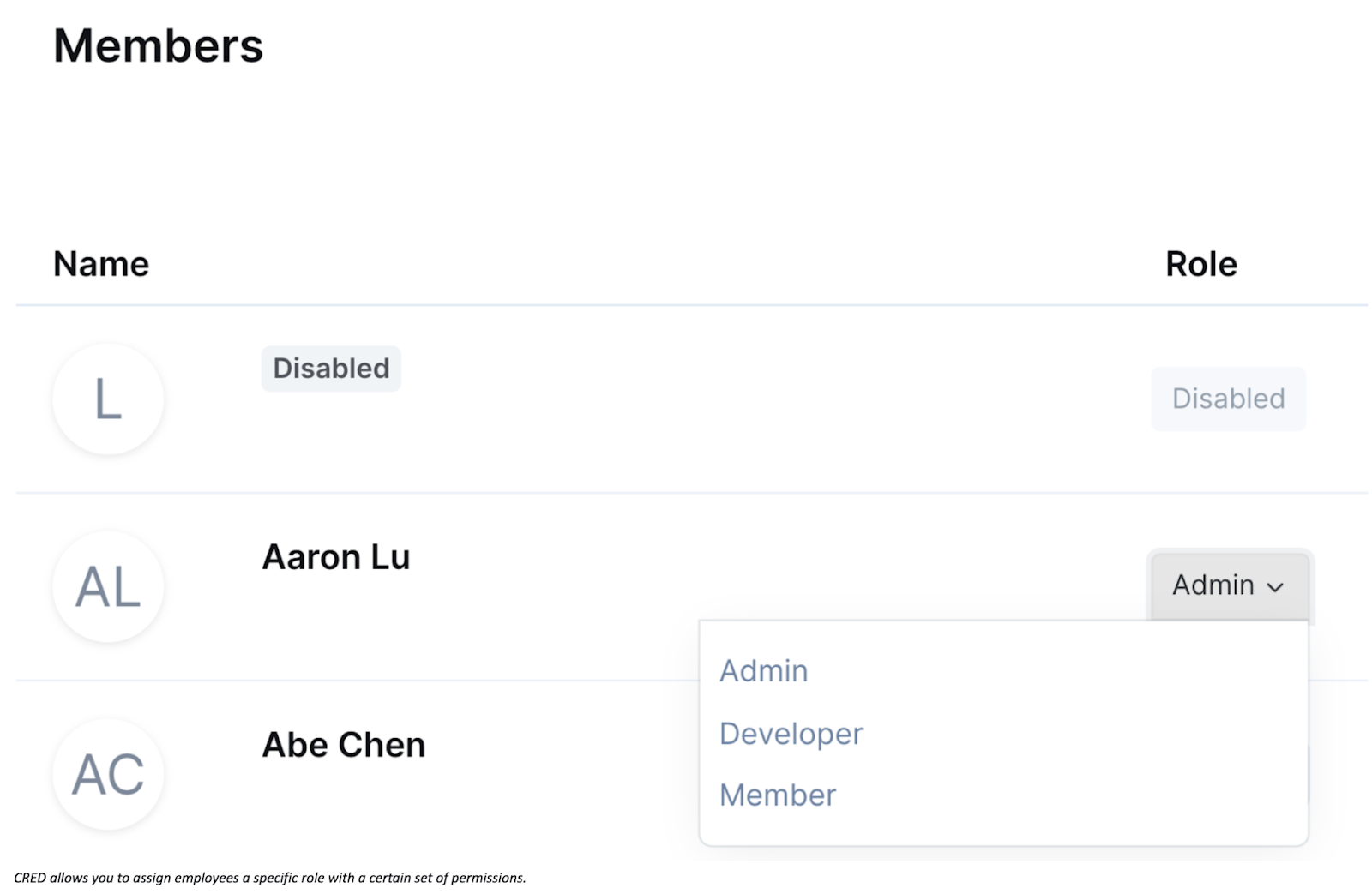
CRED allows you to assign employees a specific role with a certain set of permissions.
Limit Access to Objects and Fields Choose a third-party integration solution that allows granular control over the objects and fields accessible and synced. Adhere to the principle of least privilege by granting access only to necessary objects and fields, minimizing the potential risks associated with collecting and accessing sensitive data.
By implementing these practices, you can enhance the security of your API keys/tokens, mitigate the risk of unauthorized access, and maintain compliance with data privacy and protection regulations.
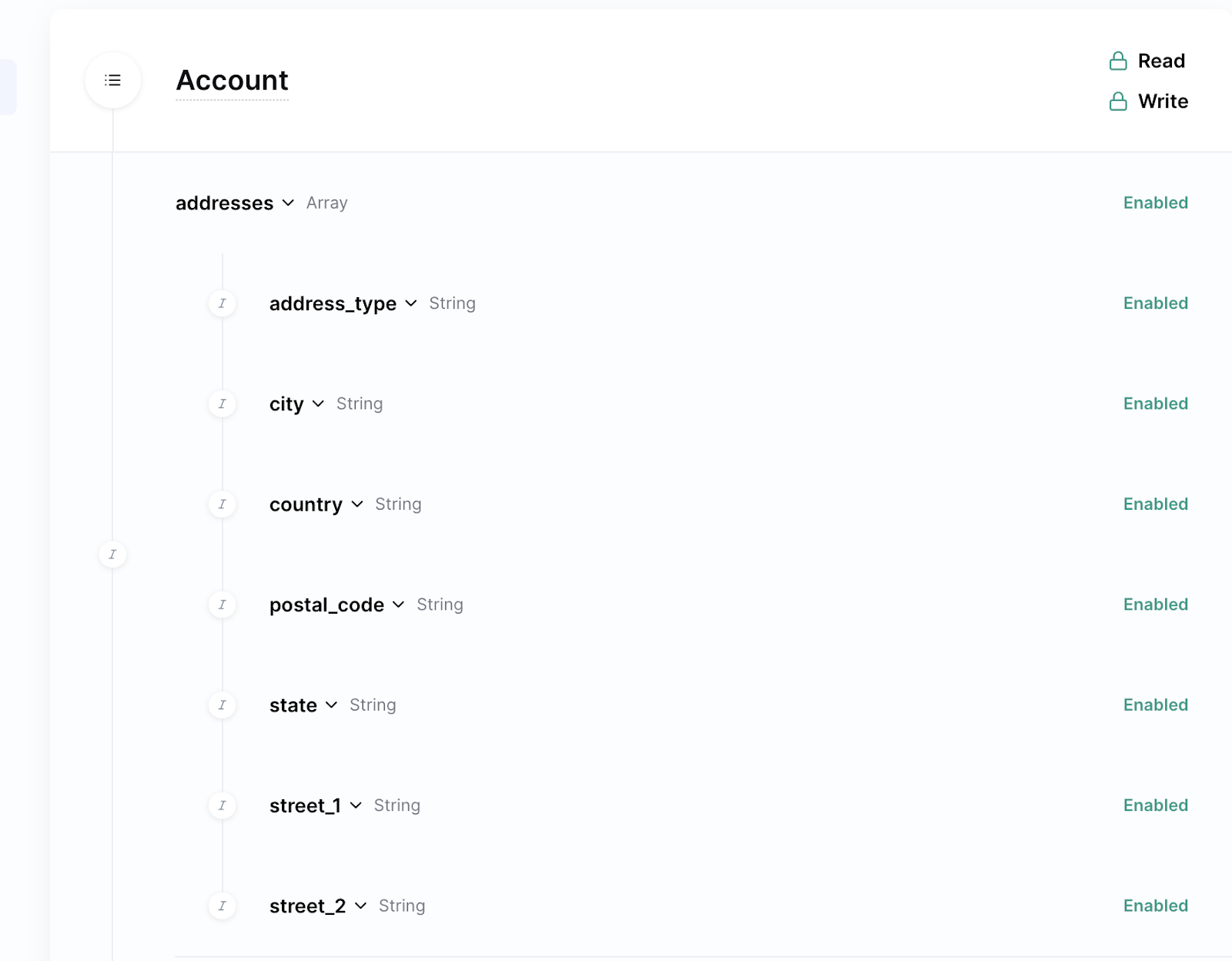
Using CRED’s “Scopes” feature, you can pick and choose the objects and fields you access and how you’re able to interact with them.
Keep your customer-facing integrations secure with CRED
Ensure the Security of Your Customer-Facing Integrations with CRED
In addition to the mentioned features, CRED provides Audit Trails, enabling your account admin(s) to monitor and analyze all activities within your account. Furthermore, CRED offers multi-factor authentication for all users in your organization.
CRED adheres to numerous industry-standard compliance frameworks, including GDPR and SOC 2. For more information about CRED’s security controls and certifications, please reach out to us.
Business Benefits of API Integration
Eliminates Data Silos
Without integration, employees may struggle to find necessary data, often resorting to asking colleagues, requesting it from IT, or assuming it doesn't exist. APIs provide seamless access to required data within the applications they already use, preventing these issues.
Ensures High Performance
Effective integrations must be reliable, offer frequent syncs, and support desired scenarios. API integrations fulfill these needs by allowing access to necessary data, syncing in near real-time, and maintaining robust performance.
Reduces Human Error
Manual data entry can lead to significant mistakes, such as inputting incorrect information. API integrations automate data transfer between applications, minimizing these manual tasks and their associated errors.
Boosts Employee Productivity
By reducing time spent on manual tasks and providing easy access to information, employees become more productive and focused on work they enjoy, enhancing overall job satisfaction and productivity.
Increases Sales
Offering the customer-facing integrations that prospects need removes barriers to closing deals. Unique integrations can provide a competitive edge, increasing the likelihood of winning over clients.
Enhances Customer Retention
Integrations make your product more valuable by reducing the need for manual data handling, enabling in-app automations, and improving AI-based features. These benefits enhance customer experience and retention.
Facilitates Market Expansion
Different market segments use different software solutions. By developing API integrations for the tools used by startups, mid-market, and enterprise clients, you can effectively move upmarket and expand your reach.