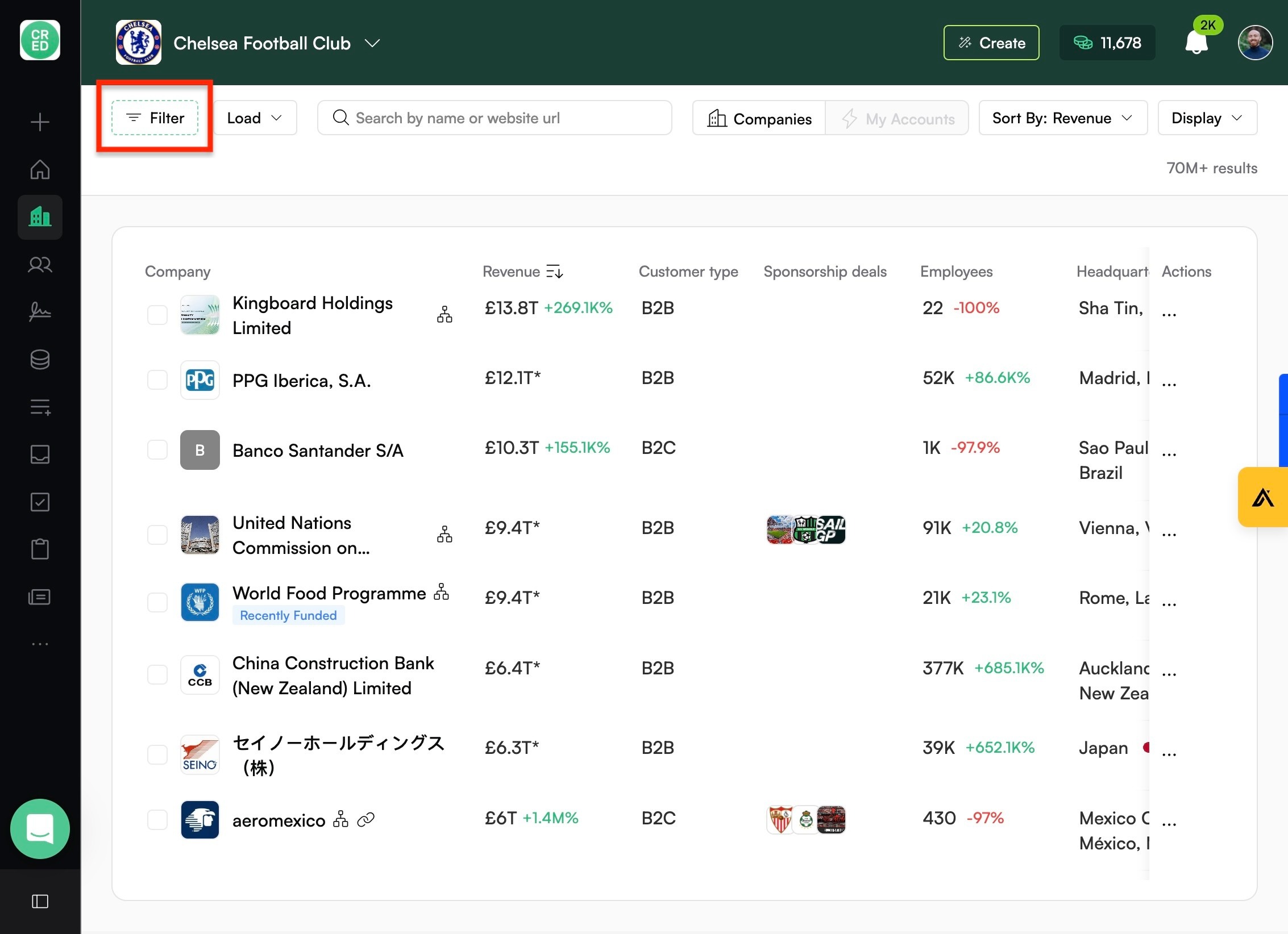
Click Filter
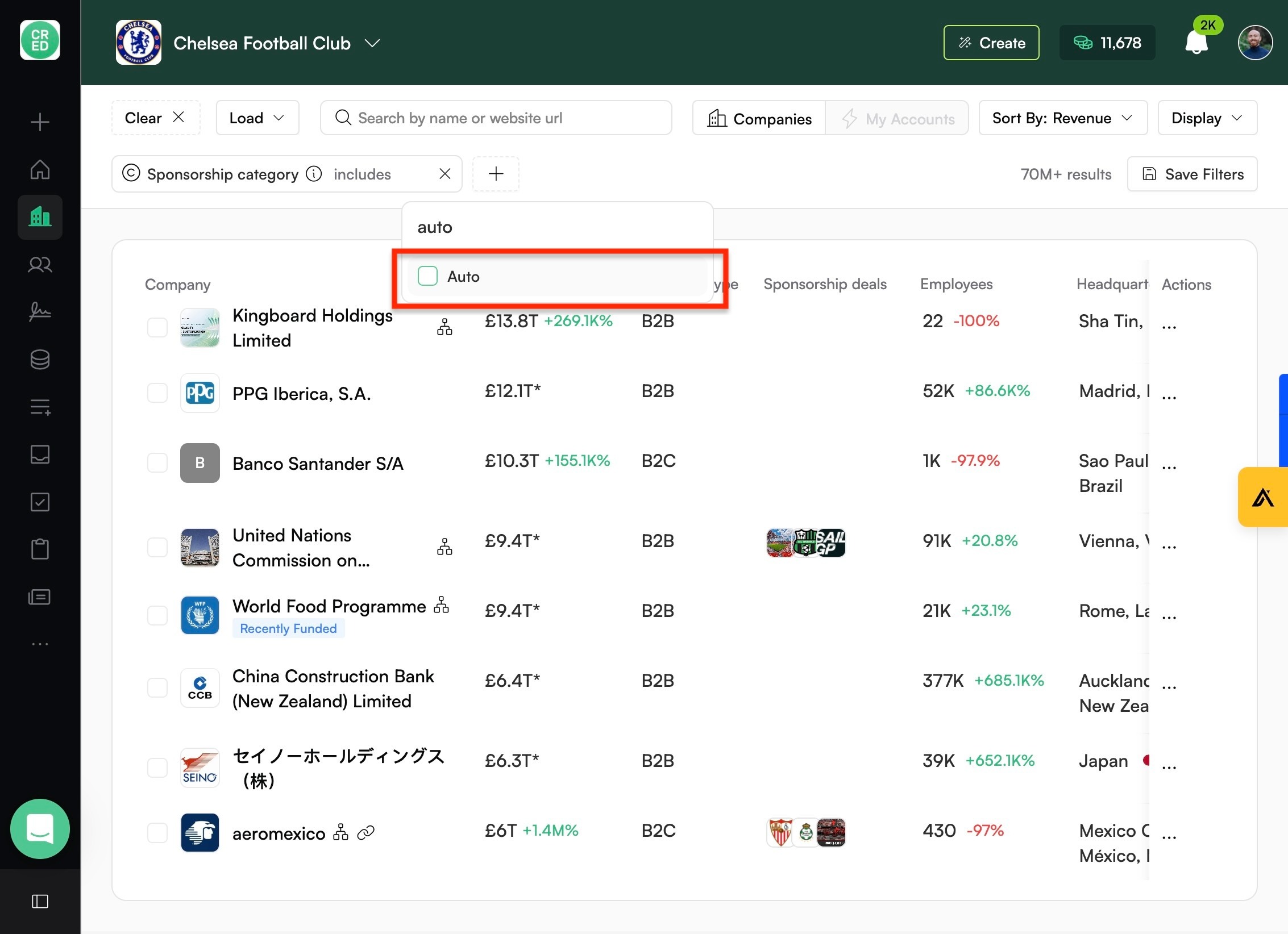
Type "auto"
Click "Auto"
Click "Revenue"
Research & Prospecting: Finding the Right Companies
Last updated: August 15, 2025
💡 Pro tip: Use the keyword filter if you can’t find the industry/sector you are looking for (e.g., travel bags, CSR, or community).
How-to Guide
Combine filters and sorting to find lead lists
Filter lists before exporting in CRED
Go to "Lists"
Click "Filter"
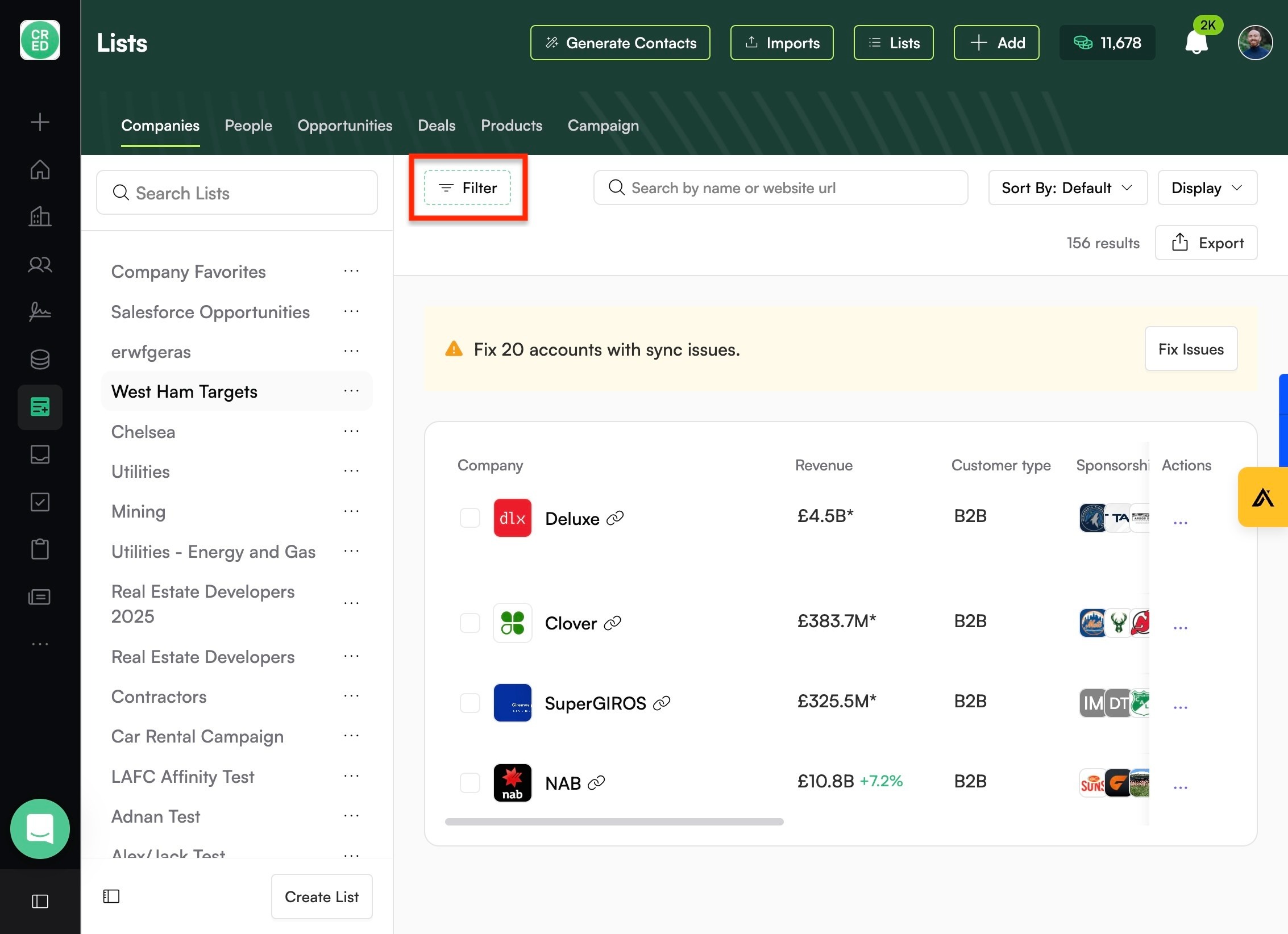
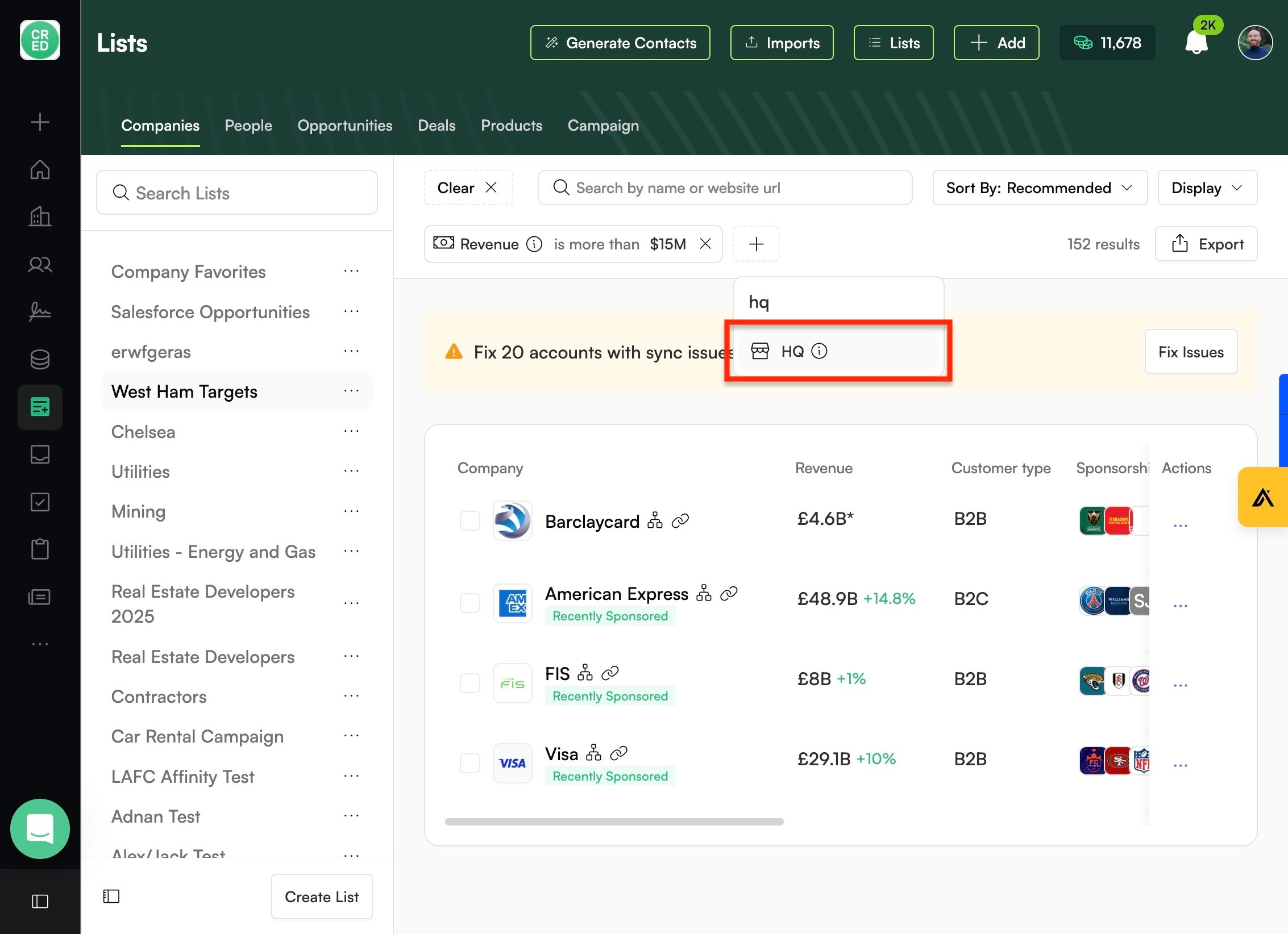
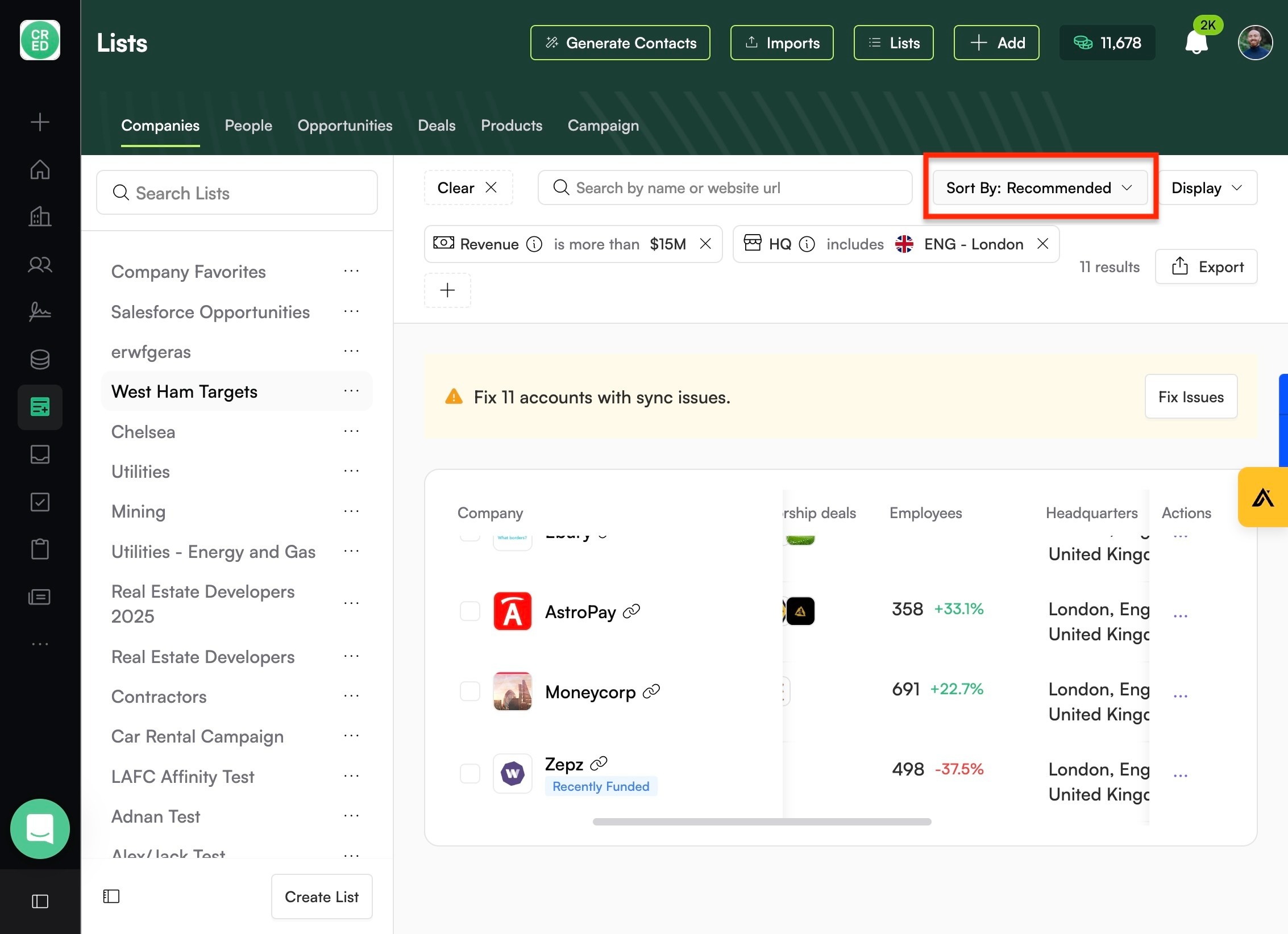
Add whatever filters you want to sort the data by
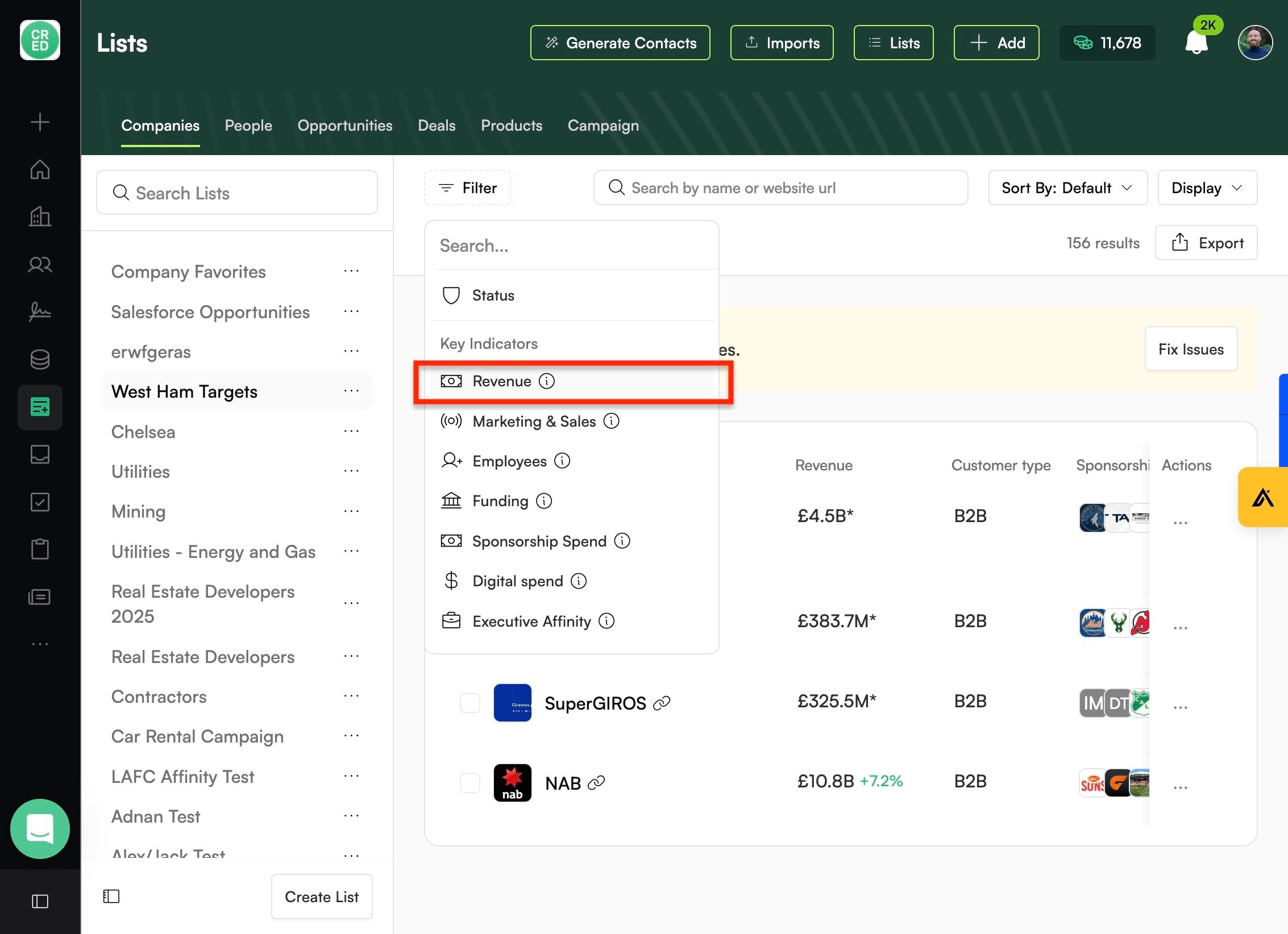
Click here
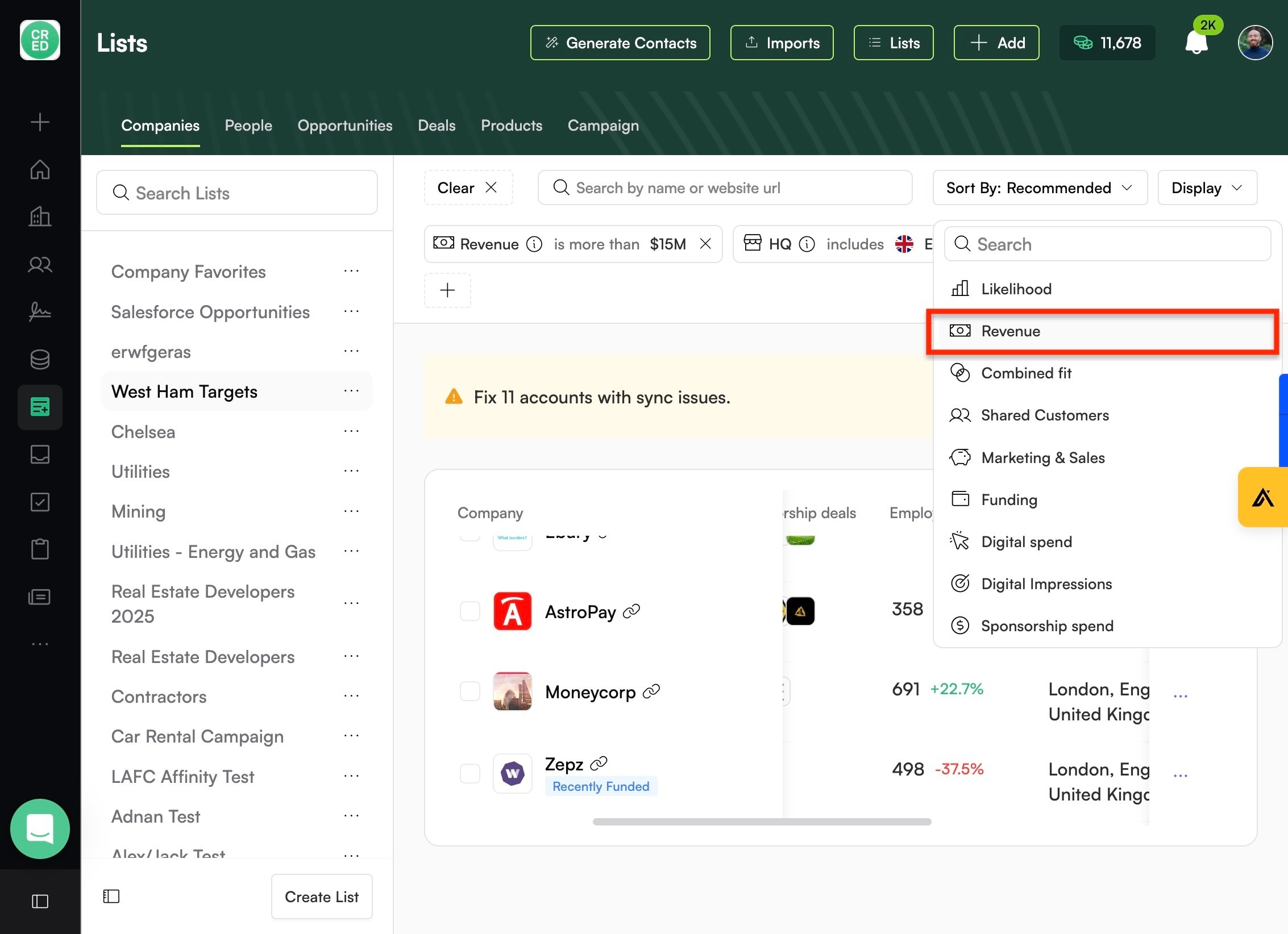
Play around with different sort options
Like "Revenue", which sorts in order of descending revenue
Export your refined list
Use the recommended companies in CRED
Navigate to https://commercial.credplatform.com/companies
Click here.
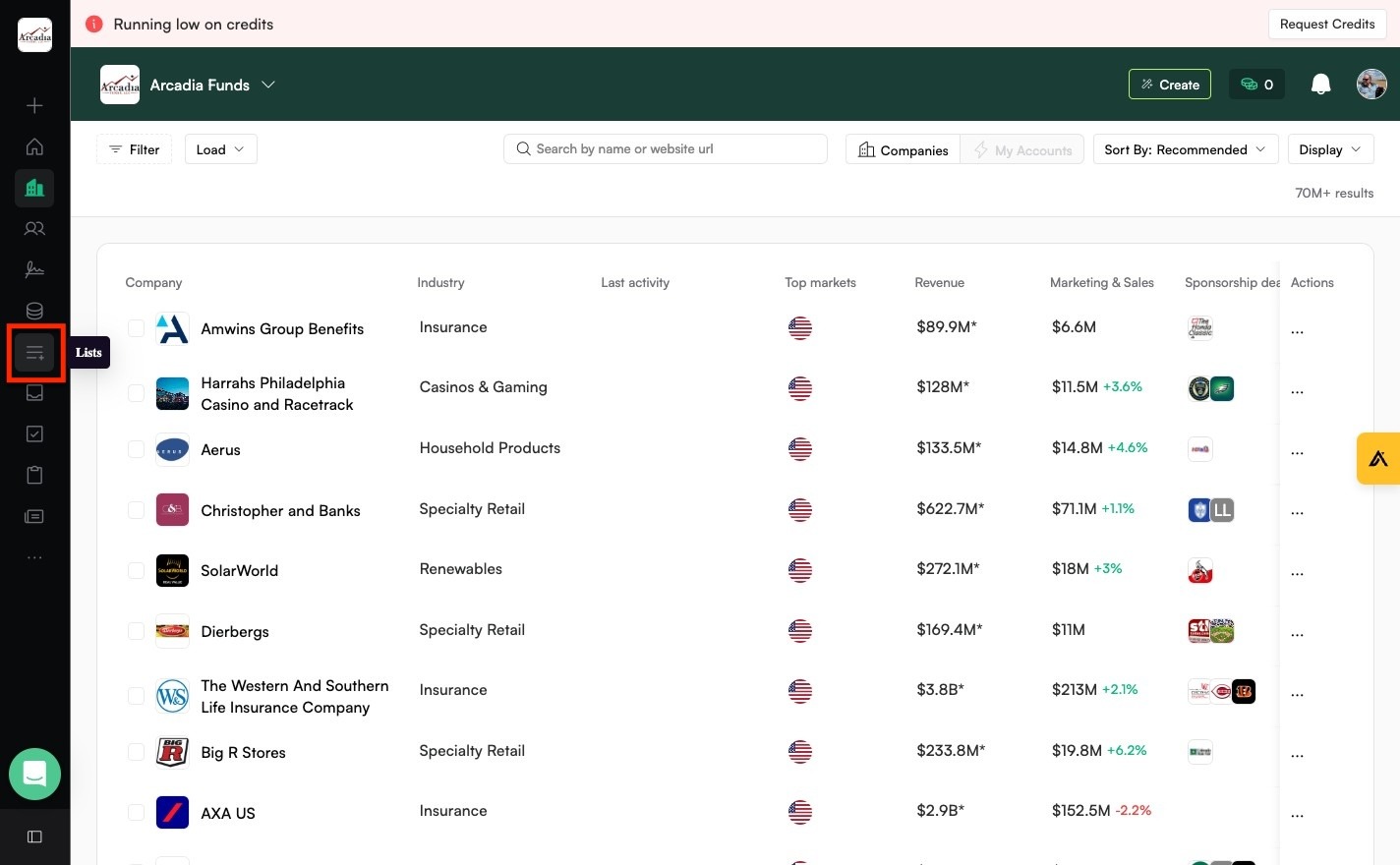
Click "Aion - Customers"
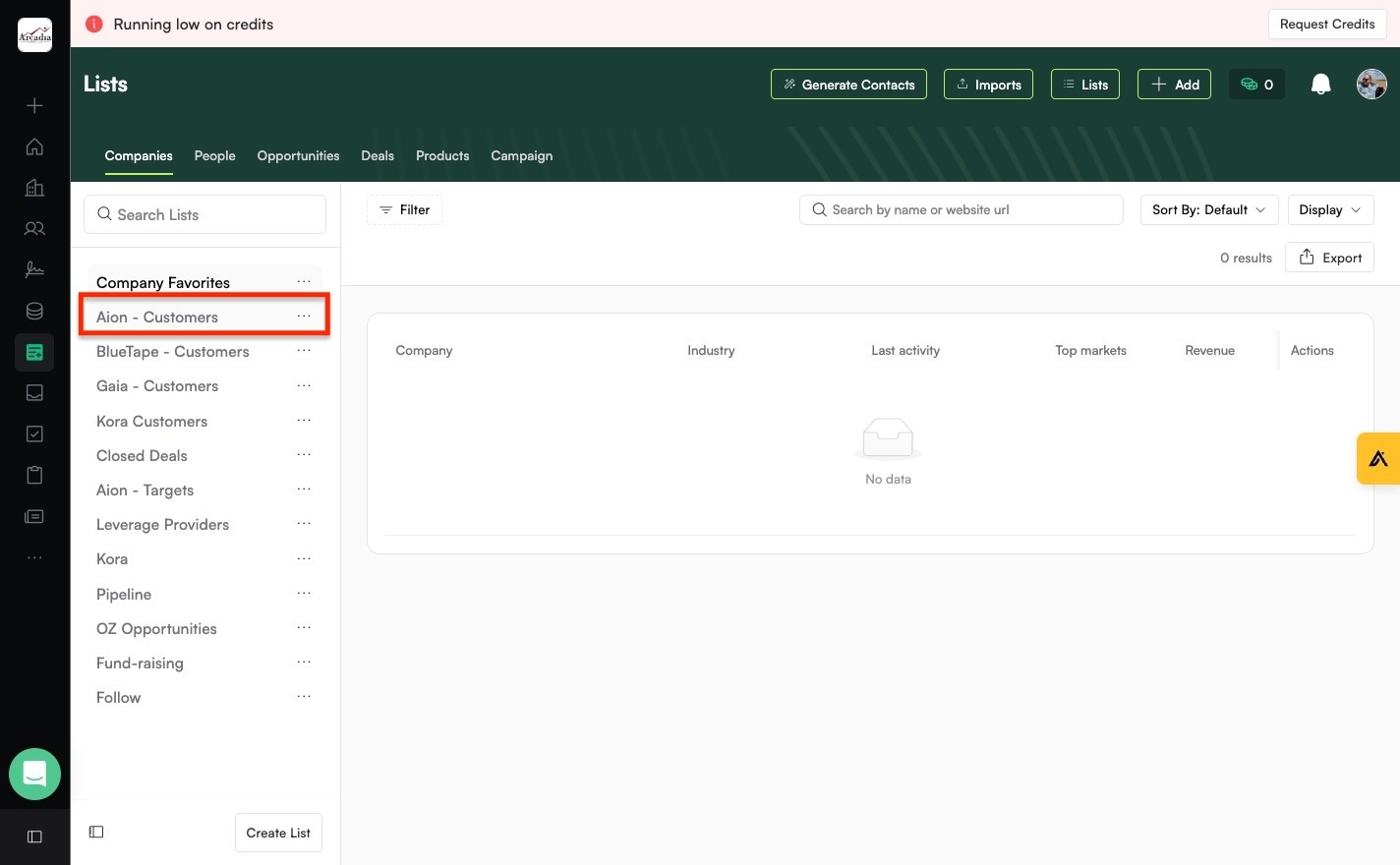
Scroll down to Recommended. Click "Add" on the suggested companies if they're a good fit.
Bulk add companies or people to a list
Navigate to https://commercial.credplatform.com/people
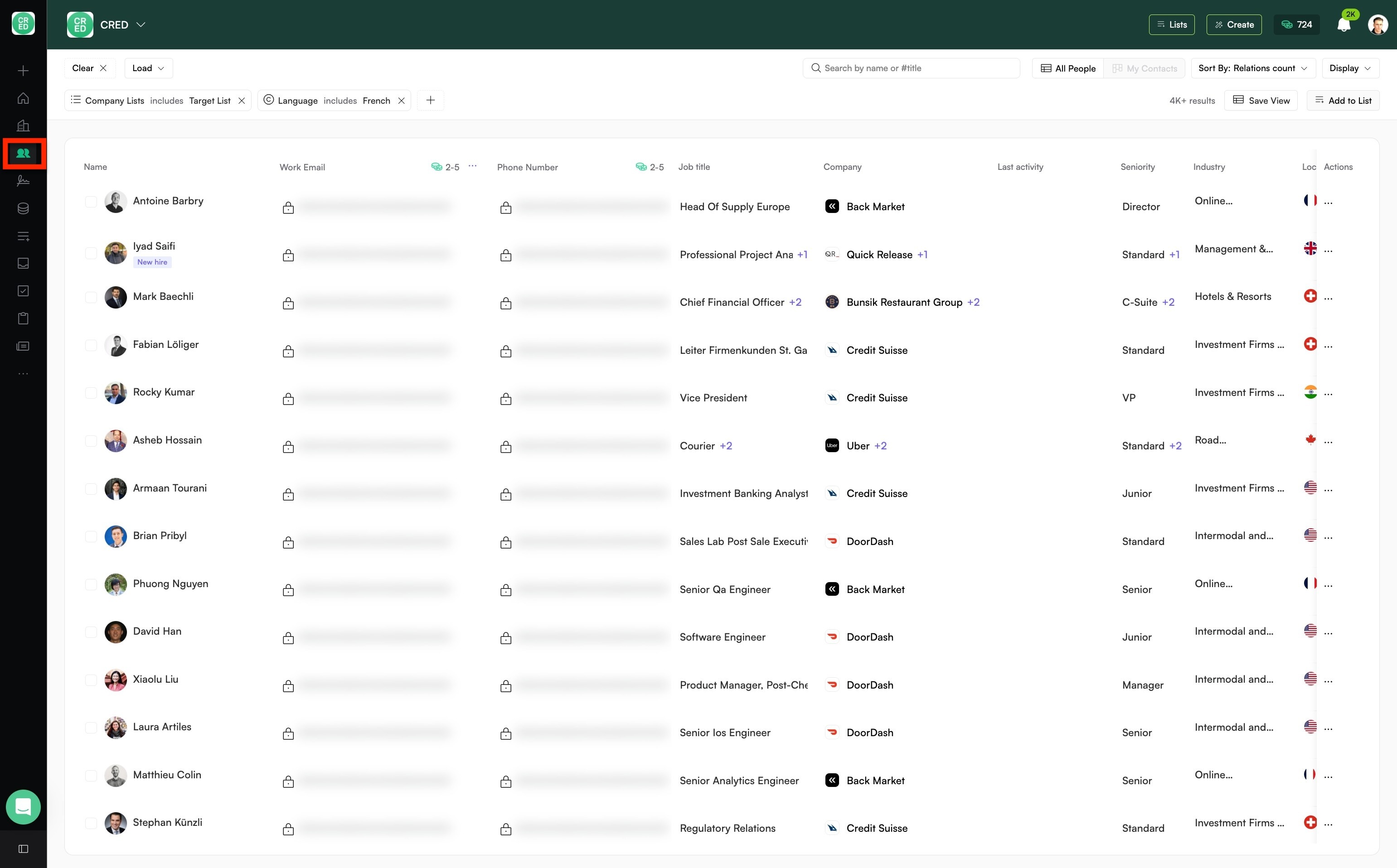
Click "Add to List"
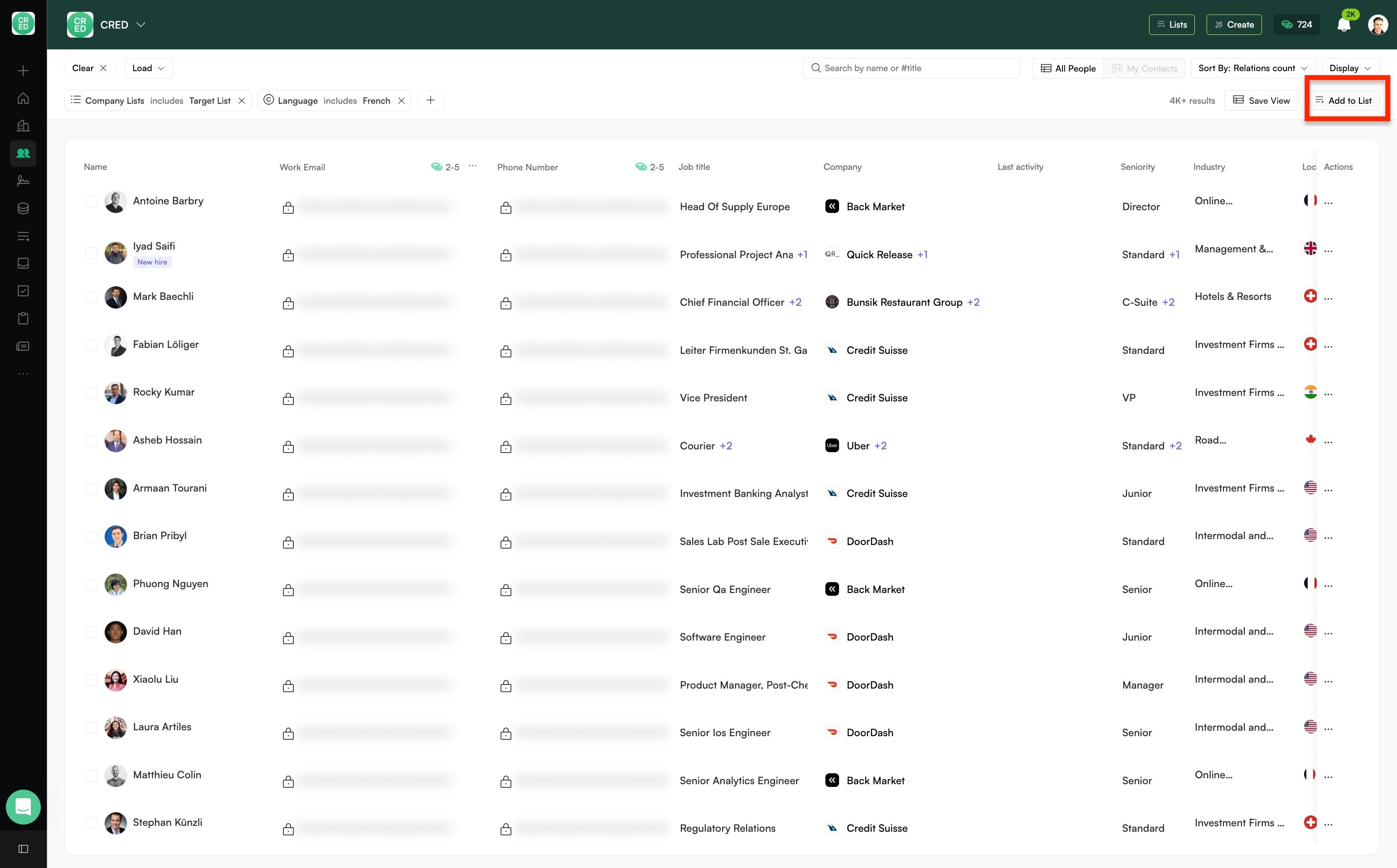
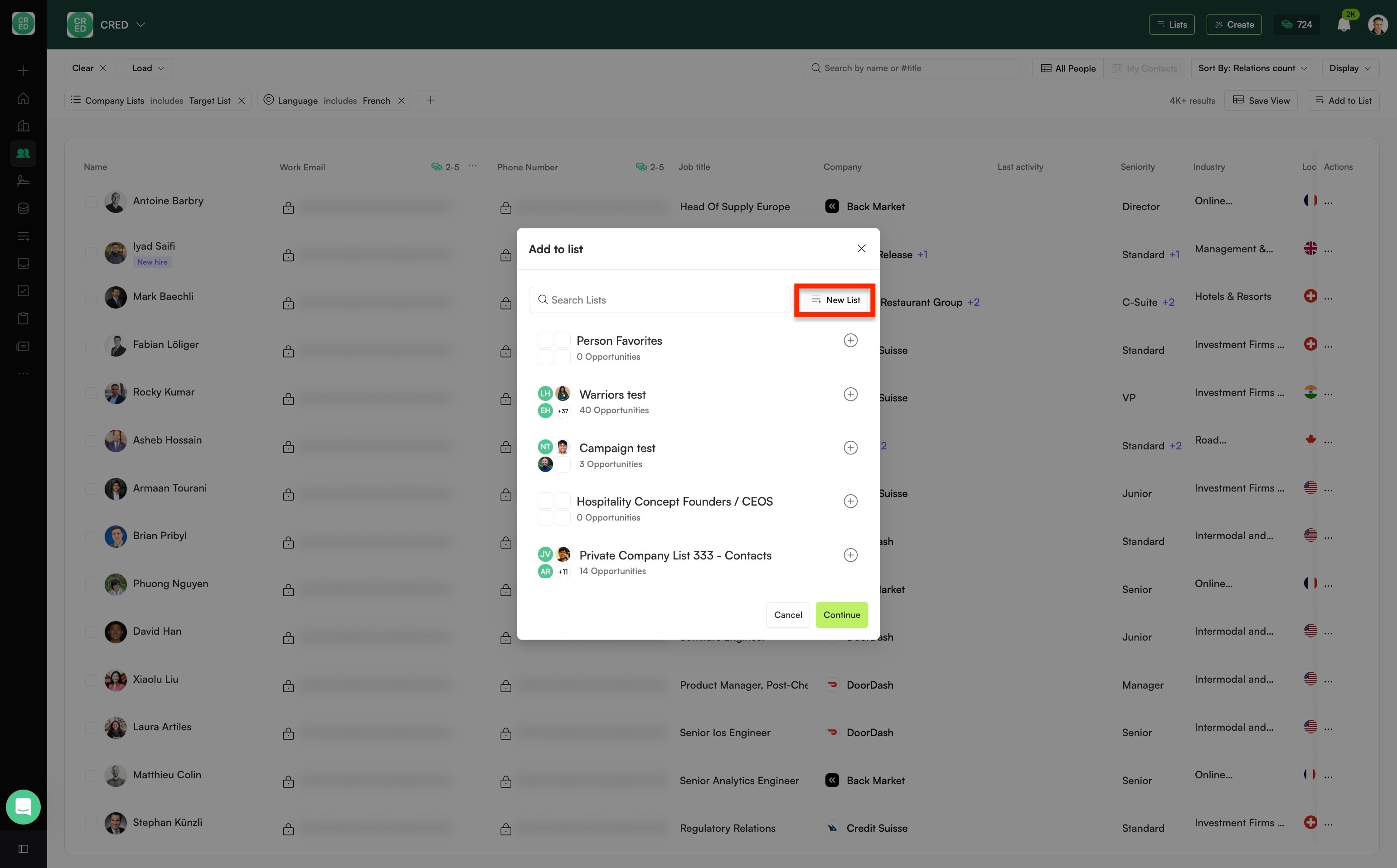
Select a list or create "New List"
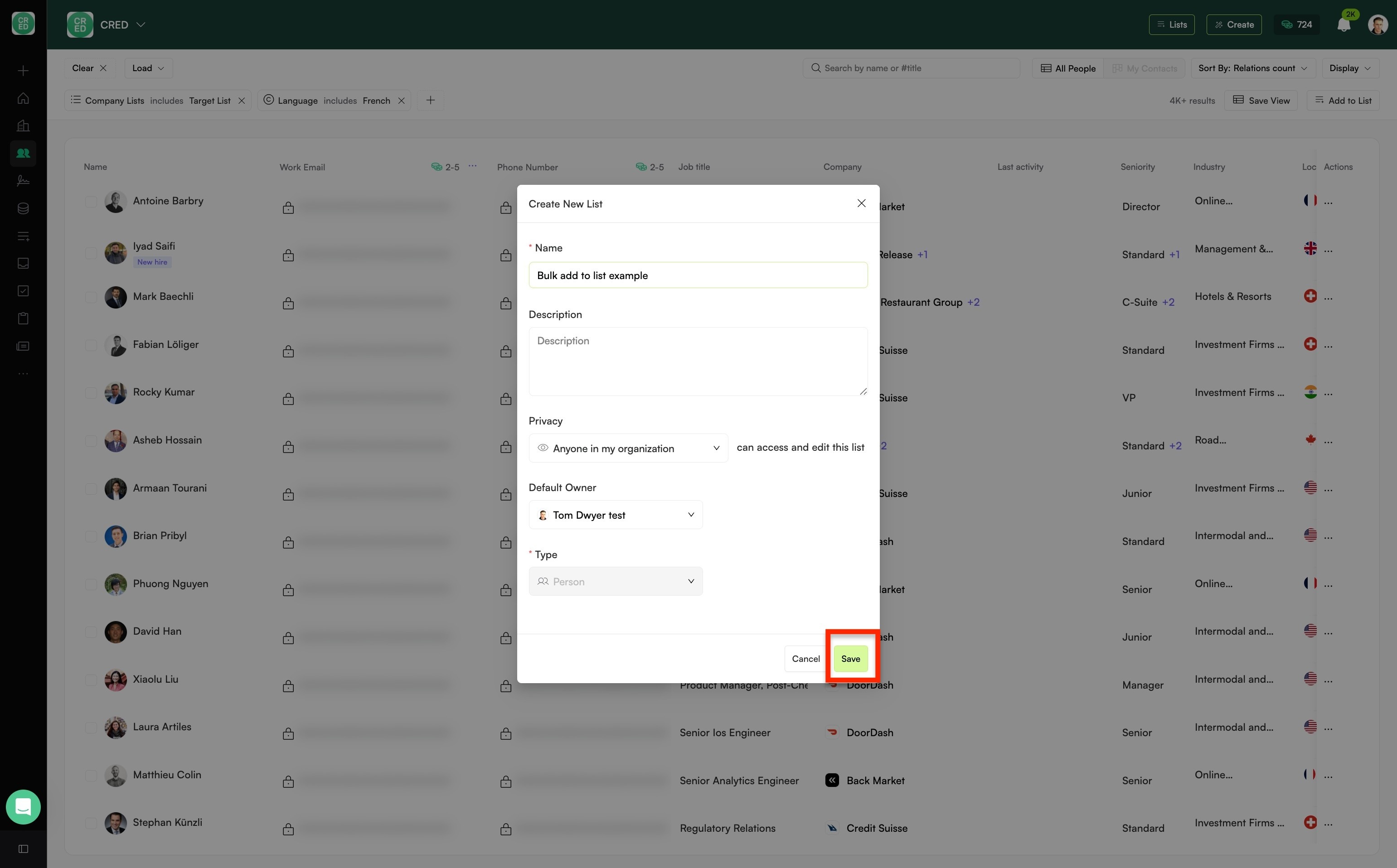
Click "Save"
You'll be notified it's processing & also when it's complete. The limit is 2.5k per bulk add.
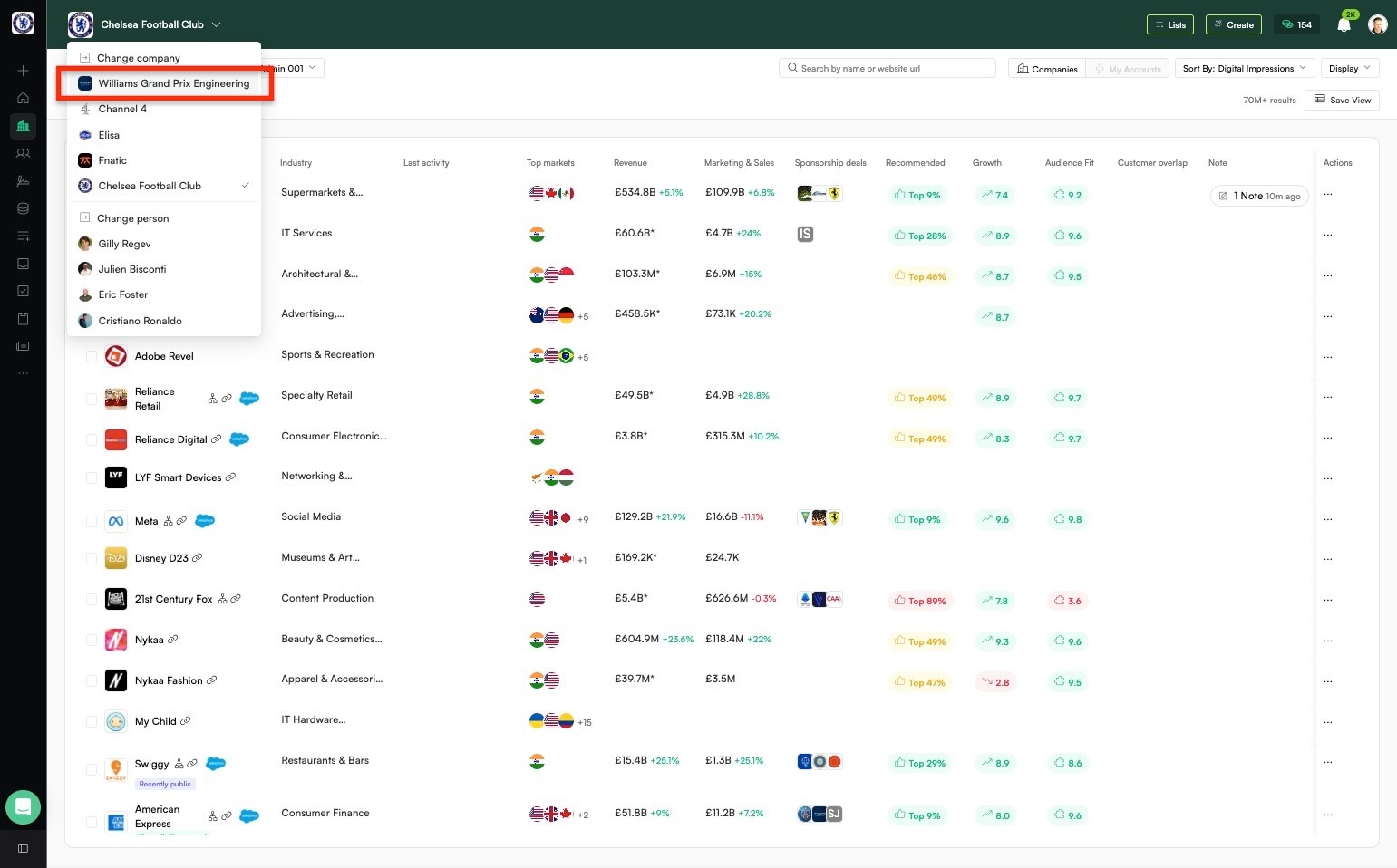
Use CRED on behalf of a different company (e.g., a client)
📌 Pre-requisite: Via support, request companies you'd like to be able to use CRED as. For example, clients whose 'Audience Fit' score you want to leverage whilst prospecting.
Navigate to https://commercial-dev.credplatform.com/home
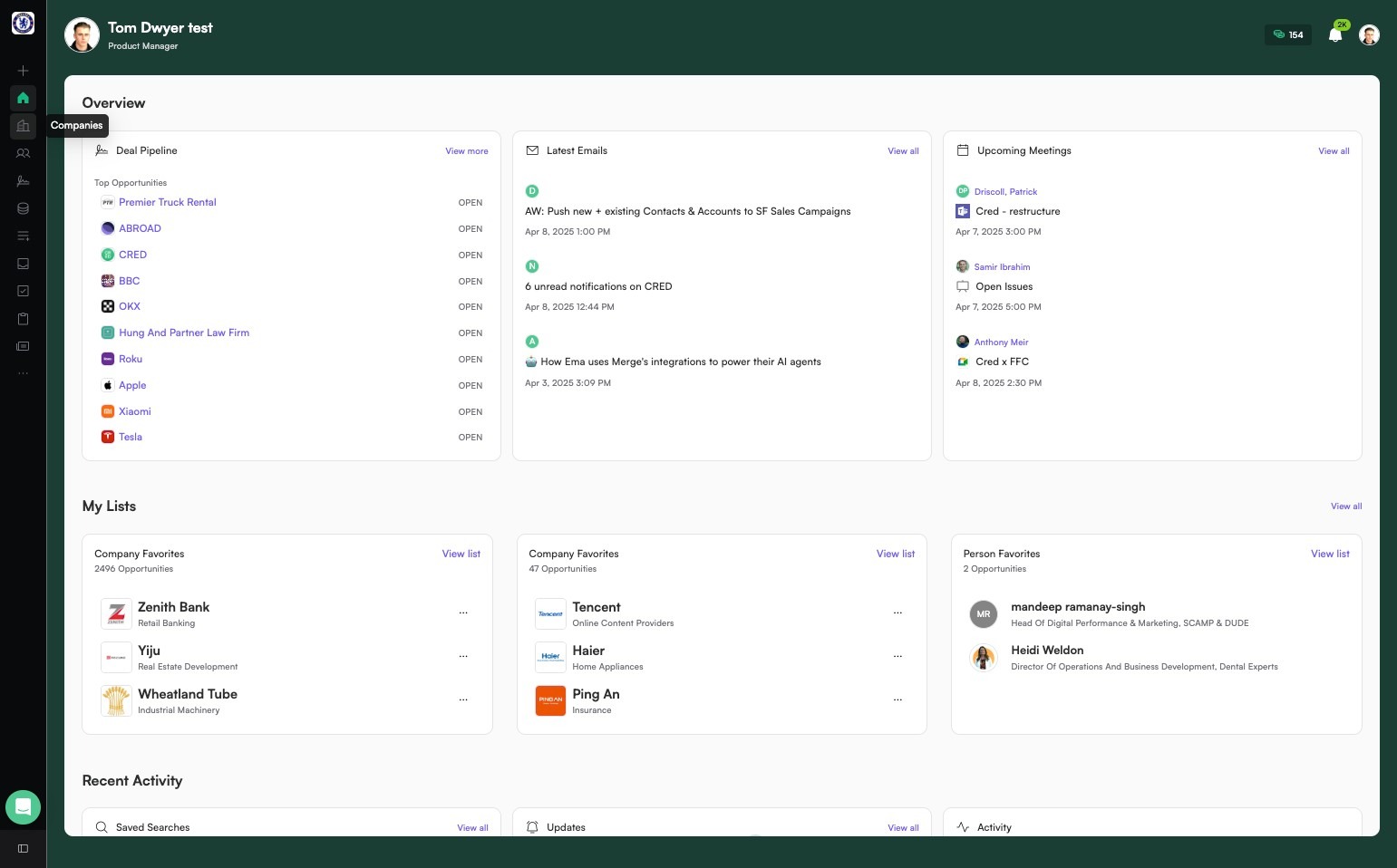
Click here.
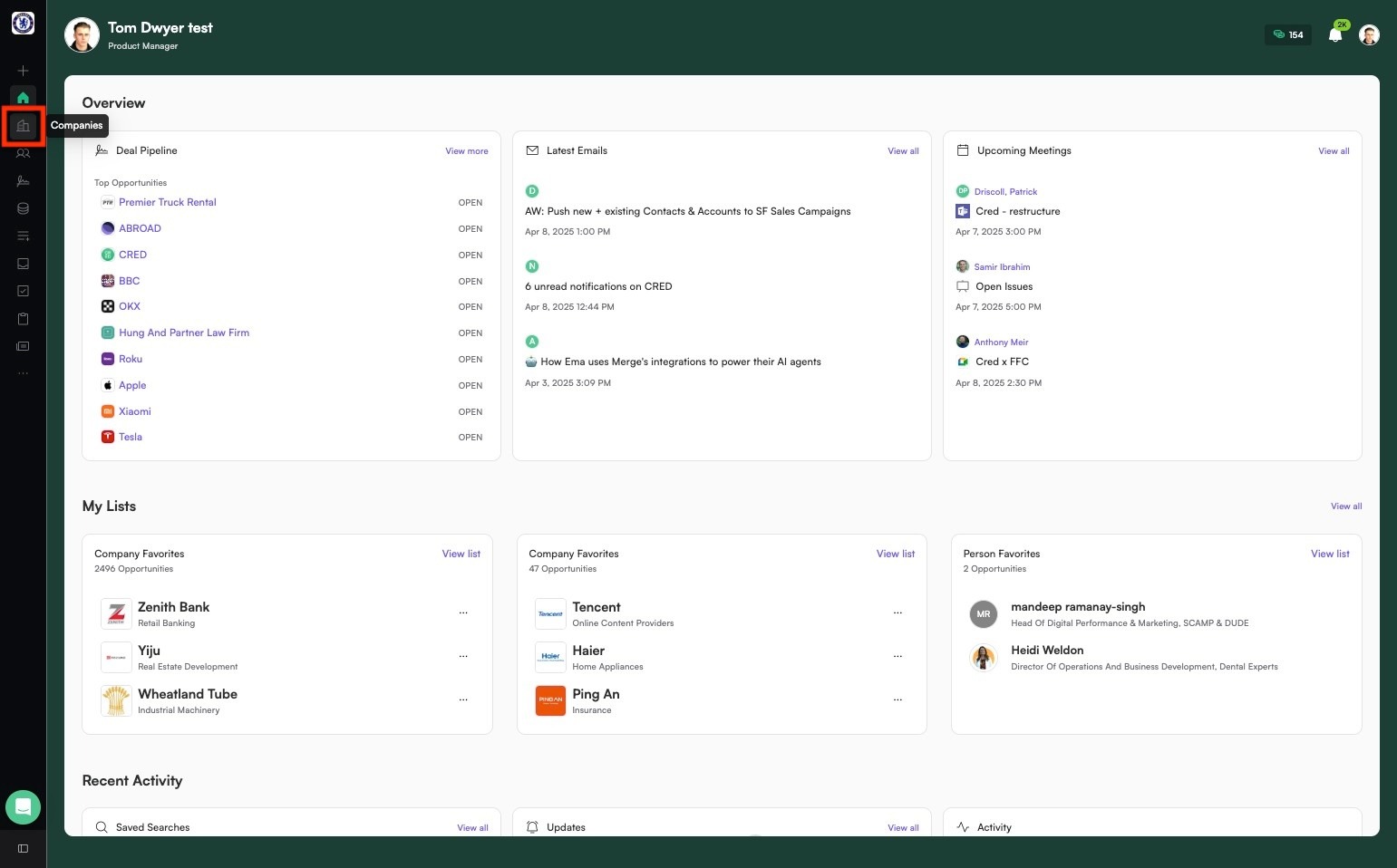
Click here.
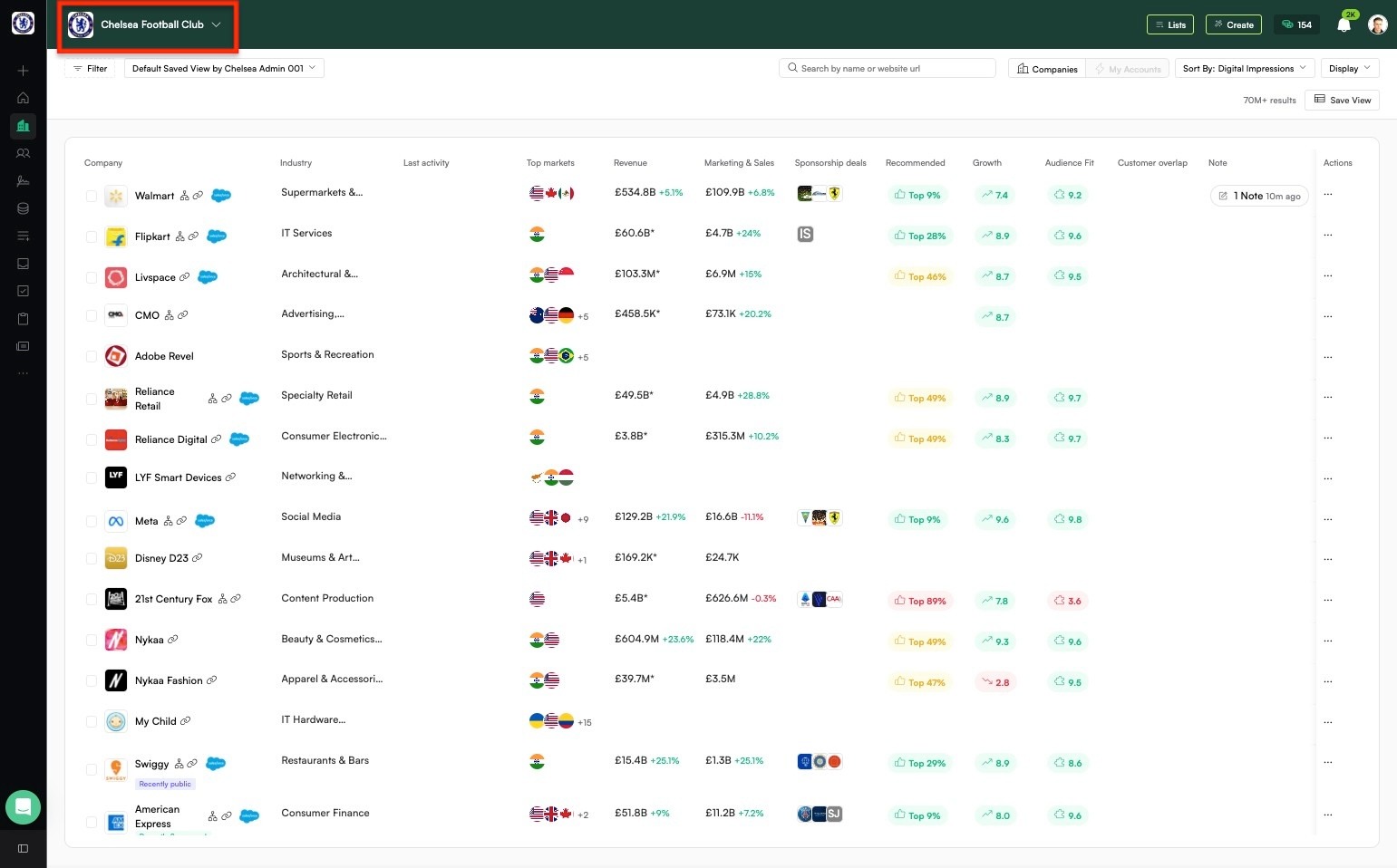
Click "Williams Grand Prix Engineering"